
about auto calibrate
Hi @chrisannin
I have a problem with auto calibration
My steps are as follows:
1, Press the emergency stop button
2, Manually restore ARM to Rest Position
3,Then "SAVE CALIBRATION DATA"
4,Release the emergency stop button
5,Then click "Auto Calibrate"
Then the arm will start to move, and then it will touch the limit switch, and then stop, and then it seems that the arm wants to return to the original "rest position", but after about 1 second, it moves to the touch limit again The position of the switch then stopped, not like in the tutorial video. After the calibration is completed, return to the Rest Position. Then I found out that at this moment, Teensy's yellow light was on. Does this mean something is wrong?
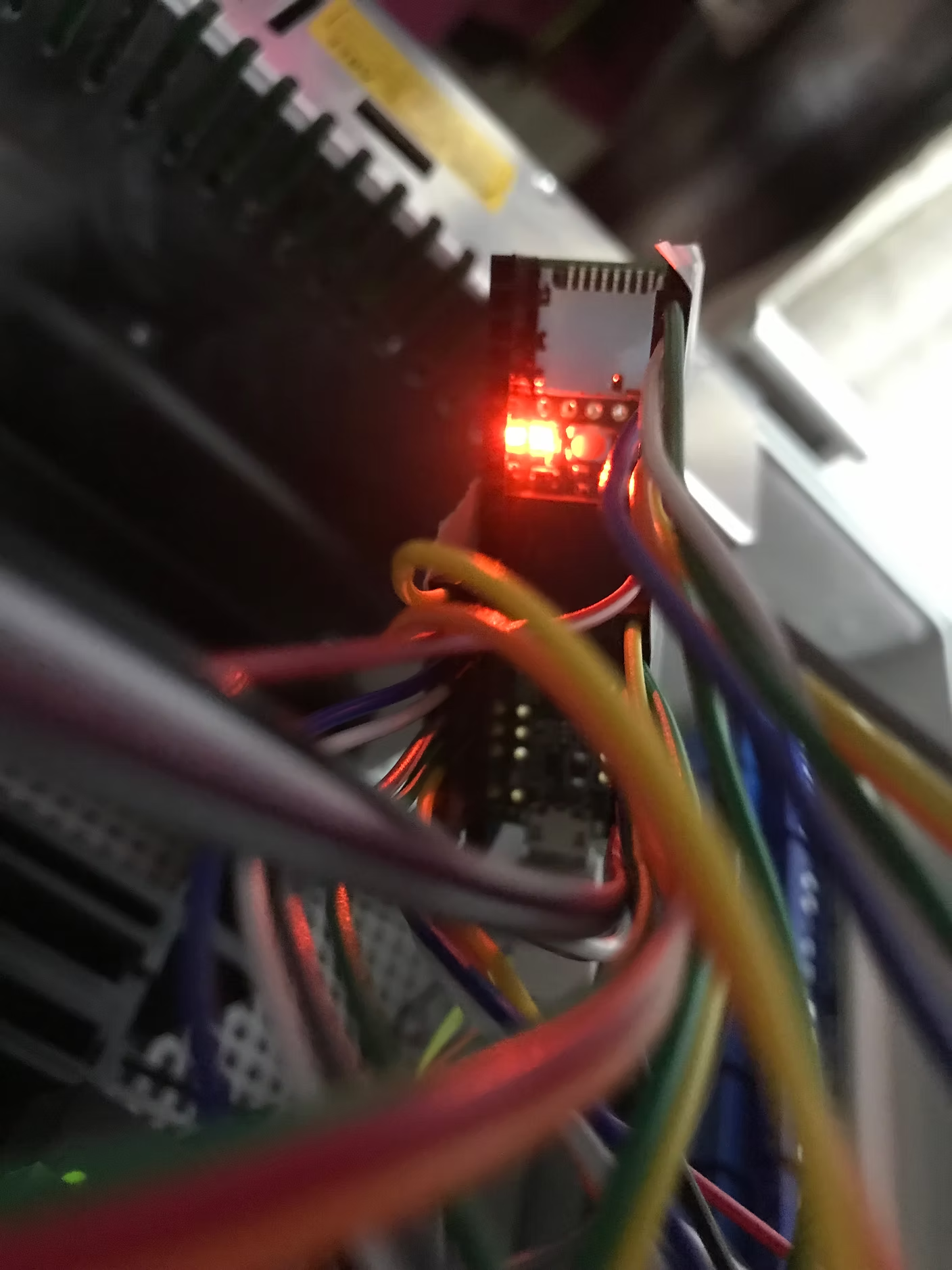

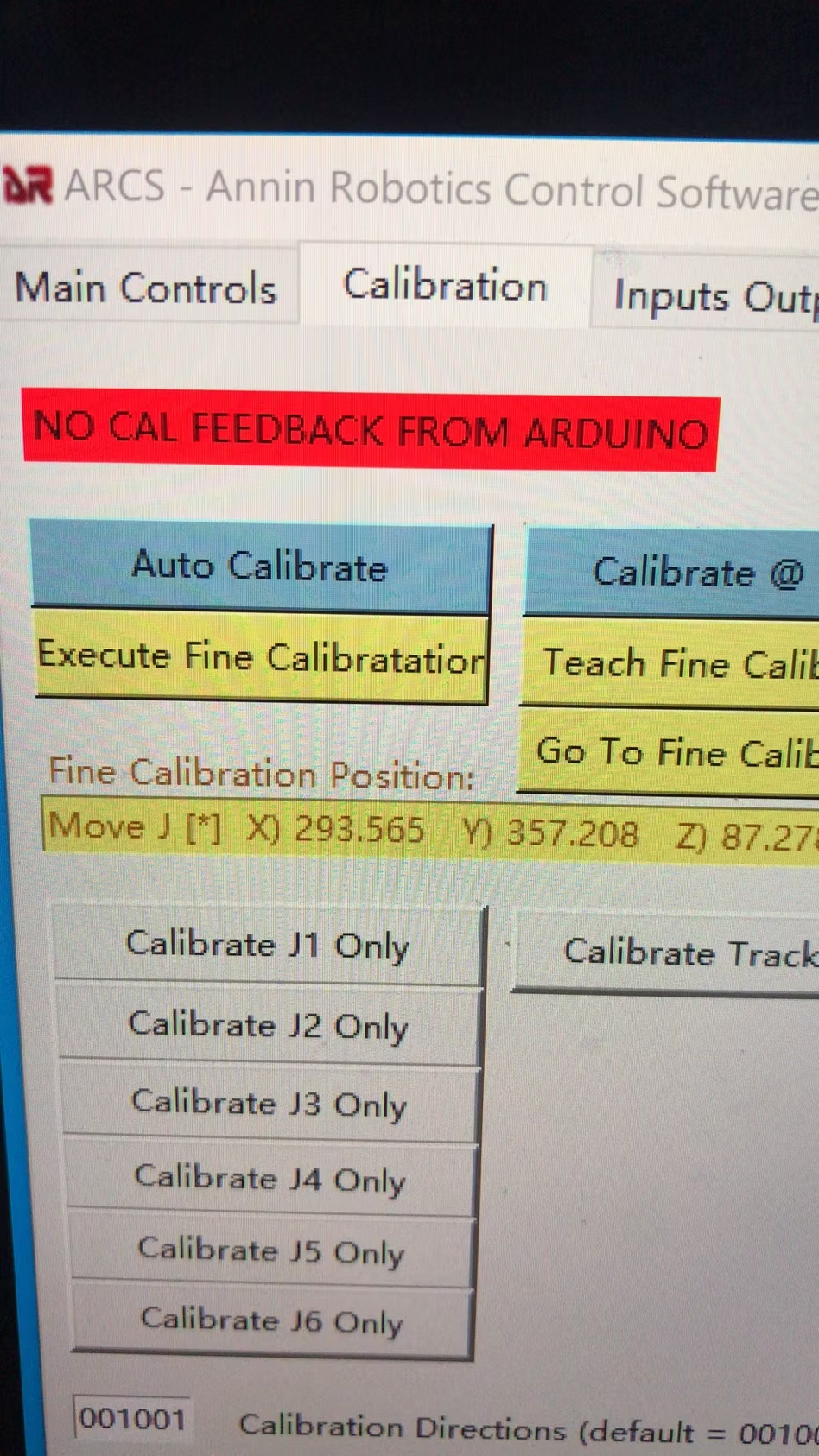
The calibration is programmed to drive to all the switches at a faster speed and then retract off the switches a little and then slowly drive back to the switches for a more accurate calibration - your video looks correct except that after all the switches are made the second time at a slow speed the robot should then return to the rest position and then calibrate axis 6. Can you tell me if you have any errors on the screen or log after the robot stops on the limit switches?
I carefully studied your video tutorial again, and I found one of the differences. In your tutorial video, J6 waits for the arm to return to the rest position before starting calibration, but in my video, it is different. Yes, J1-J2... -J5 did not return to the Rest Position, and then J6 started calibration.
10 replies
jasonzzpro