
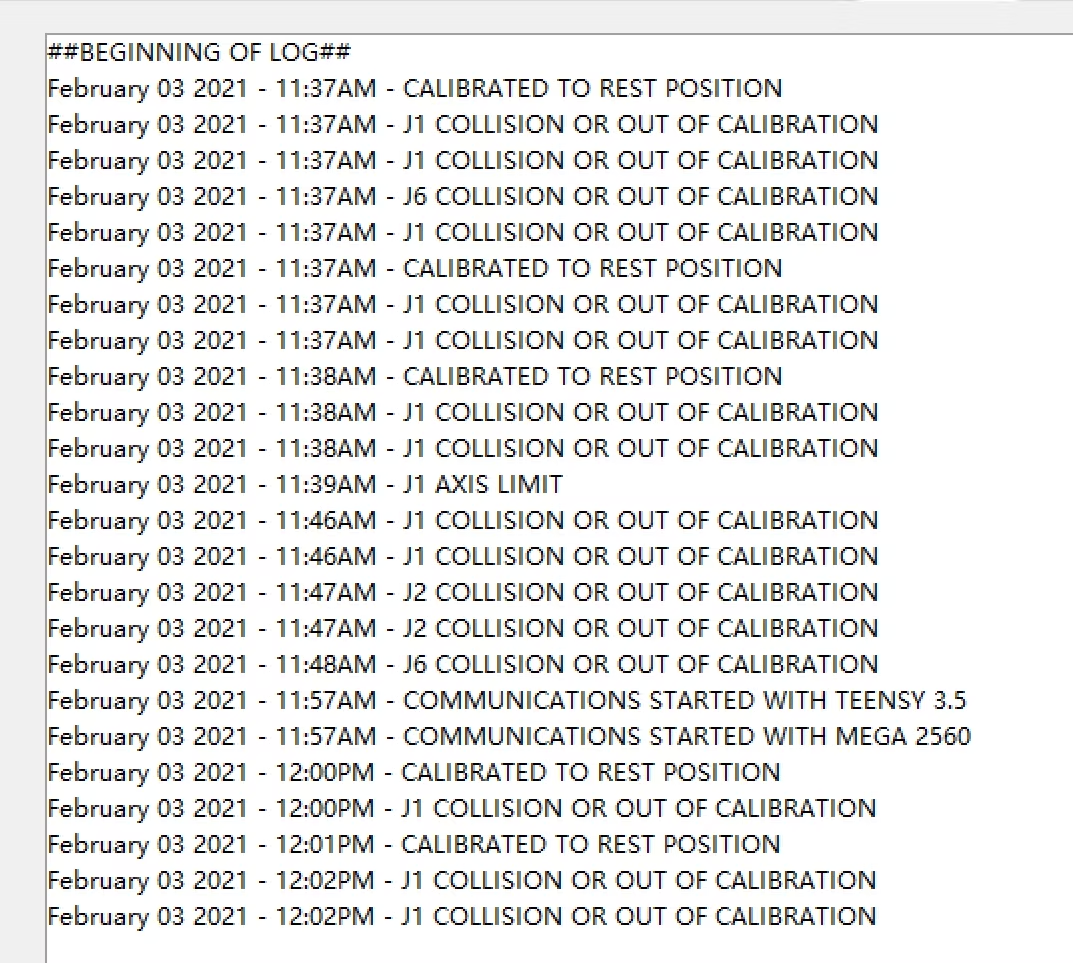


Hi, Kstan, I Do these steps.
-
e-stop, manual put position all 6 joint rest position
-
switch to calibration tab, click "Calibrate @ Rest Position", make sure all J1-J6 no disable encoder (Uncheck Jx Open Loop)
-
Click "Save Calibration Data"
-
Switch back to "Main Control" Tab
-
remain e-stop, move J1 to different location, double check "Current Angle" of J1 follow change accordingly?
but the “Main Control ”Tab J1 J2 J3 J4 J5 J6 "Current Angle" value no any changed.
so maybe the encoder is not working ?
ok u know your encoder not detected, this is only 1 problem. however ARM not move doesn't come from encoder issue. I feel your stepper driver may not receive signal from teensy.
You may try use multi meter test whether both input at stepper driver receive signal from teensy
My way to test as below:
-
switch multimeter into measure resistor mode
-
1 side of multimeter i put at teensy jumping wire there (jumping wire head have 1 small place show metal
-
another side i put at stepper driver metal screw area (metal too)
You need to test all 6/7 driver
Just want to confirm, when you power on all stepper motor driver show green light? Assume yes cause you can't move the arm when power on. That is because driver provider power to control arm position
Simit (https://anninrobotics.com/community/questions/i-strictly-followed-the-manual-and-checked-the-wiring-many-times-but-i-dont-know-why-this-prompt-appears) Yes, all the lights are green, and when the stepper motor is connected and energized, I will not be able to move the arm by hand
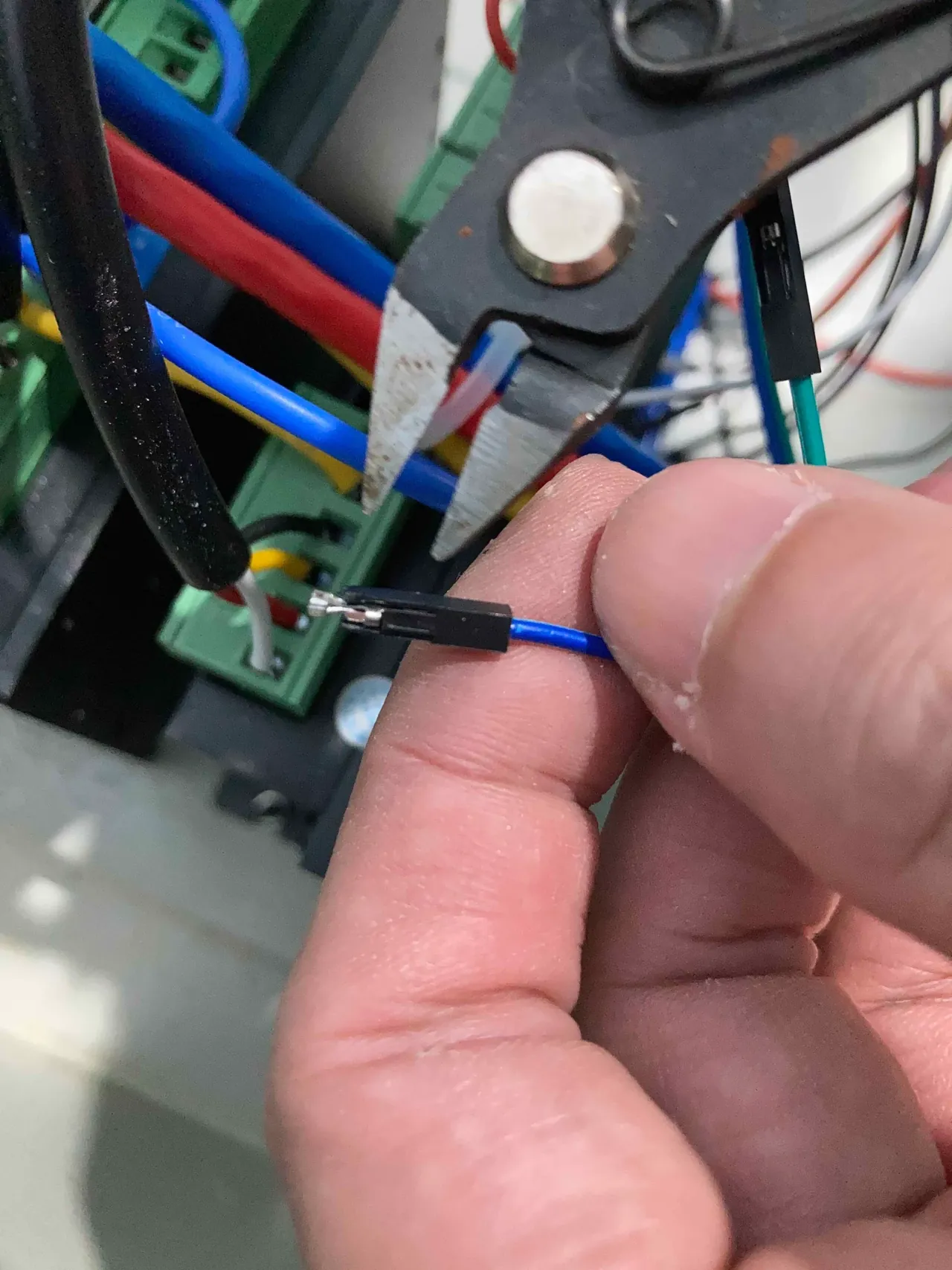
I'm really desperate. This system has a lot of bugs, and it can't present problems well. But the open source system is like this
relax bro, we helping you. Chris is brilliant guy and design this great robot arm. I learn so much from this project, however he is not pure software guy so his software may design less user friendly and not easy to identify problem.
My web service is in progress, but require working encoder. lets fix your problem first
18 replies
Kstan Simit
I think need troubleshoot from few aspect, lets start from encoder:
-
e-stop, manual put position all 6 joint rest position
-
switch to calibration tab, click "Calibrate @ Rest Position", make sure all J1-J6 no disable encoder (Uncheck Jx Open Loop)
-
Click "Save Calibration Data"
-
Switch back to "Main Control" Tab
-
remain e-stop, move J1 to different location, double check "Current Angle" of J1 follow change accordingly?
-
repeat step 5 to another 5 joint.
If above step all reflect proper value change, mean your encoder work well. Try robot see it work well?
if is same, try
a. repeat step 1,2,3 with all J1-J6 Open Loop selected
b. back to main control tab and jog J1=J6 again.
By right you wont have issue under open loop environment. You may come back to us after your troubleshooting