

How to Set a Standby Position after Auto-Calibration on the AR4 MK3
Thank you. I finally finished assembling the AR4 MK3 robot and will be able to perform the initial test run this weekend. I have one question. After all joints complete the auto-calibration process, I would like the robot to move to and rest in a predefined standby position as shown in the image.
Should I simply save that position and command the robot to move there, or is there a better recommended method?

I would also like to know how to turn off the motor power for each joint. I’m not referring to cutting the main power supply, but rather a programmatic way to disable the motors. Is there a method to do this through software control?

I want to configure the program so that the robot stays in a motor power-off state and then performs specific actions according to a scheduled time.
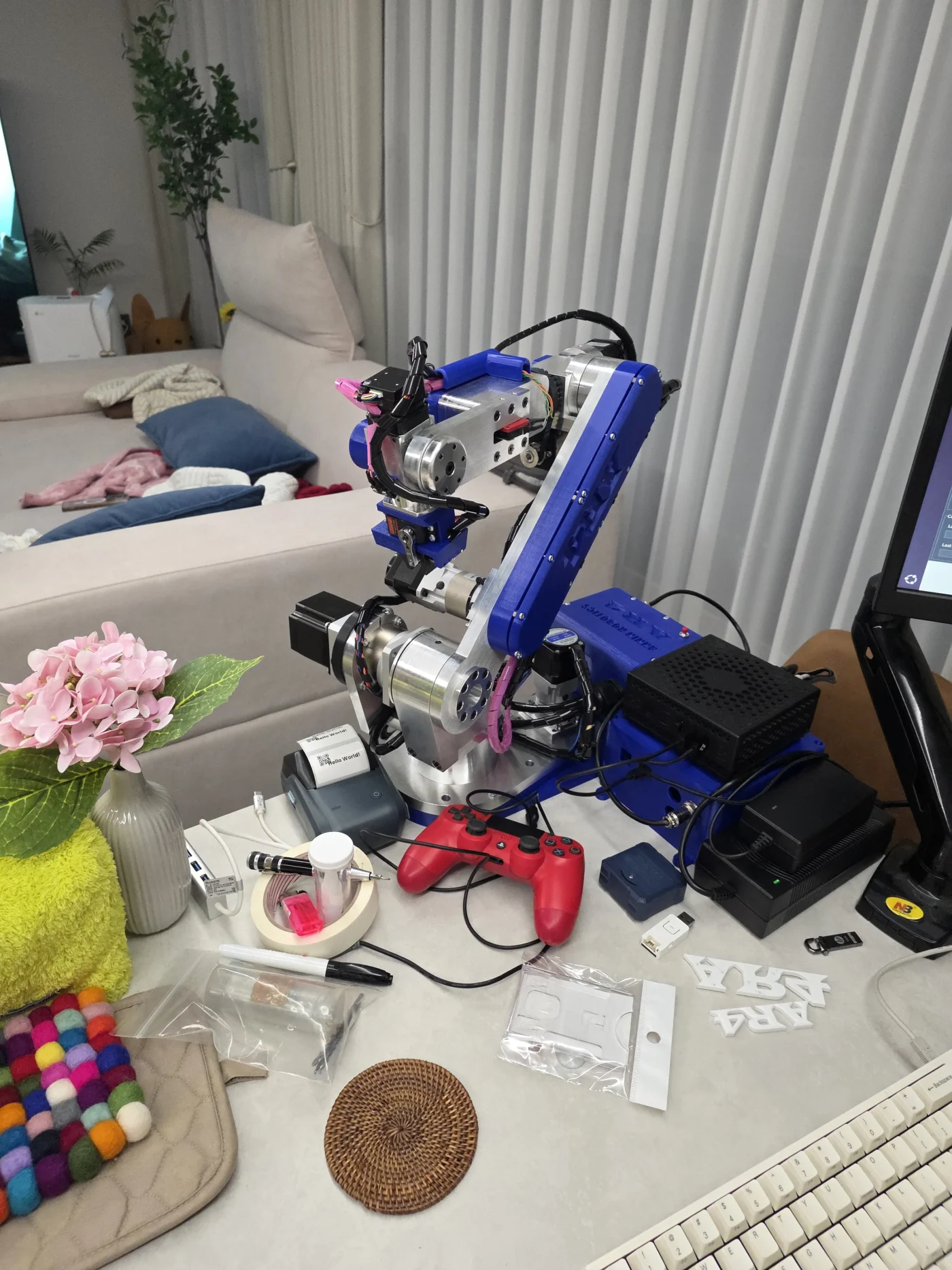

Hello, programming a predefined position would be the simplest method. You could get into the calibration code and hard code a return position - currently the program runs all the axis back to zero with the exception of J5 which it runs to 90°. I don't currently have a way to cut motor power or disable the drivers programmatically. If you wanted the robot to perform actions on a schedule you might need to run a program that has a wait function to wait for signal.

Chris Annin Thank you for your response. Since the robot does not need to consume power to hold its position during long idle periods, I was wondering if such a feature already exists. I will consider adding a relay to cut the power when necessary.