
Fully open source
Mechanical design, electronics, firmware, and HMI software are all open. UFACTORY opens its SDK and ROS packages, not the robot.
Compare
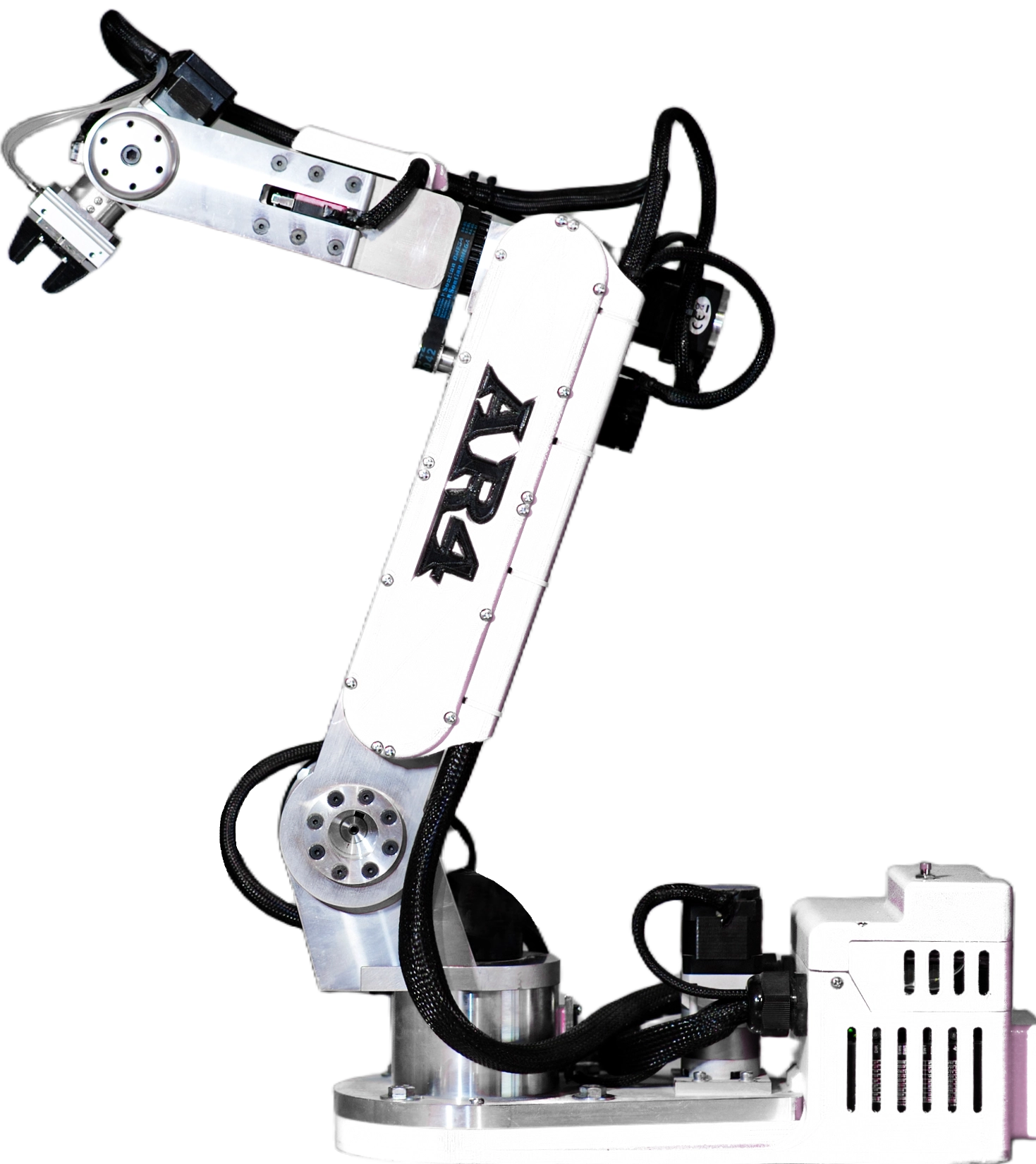
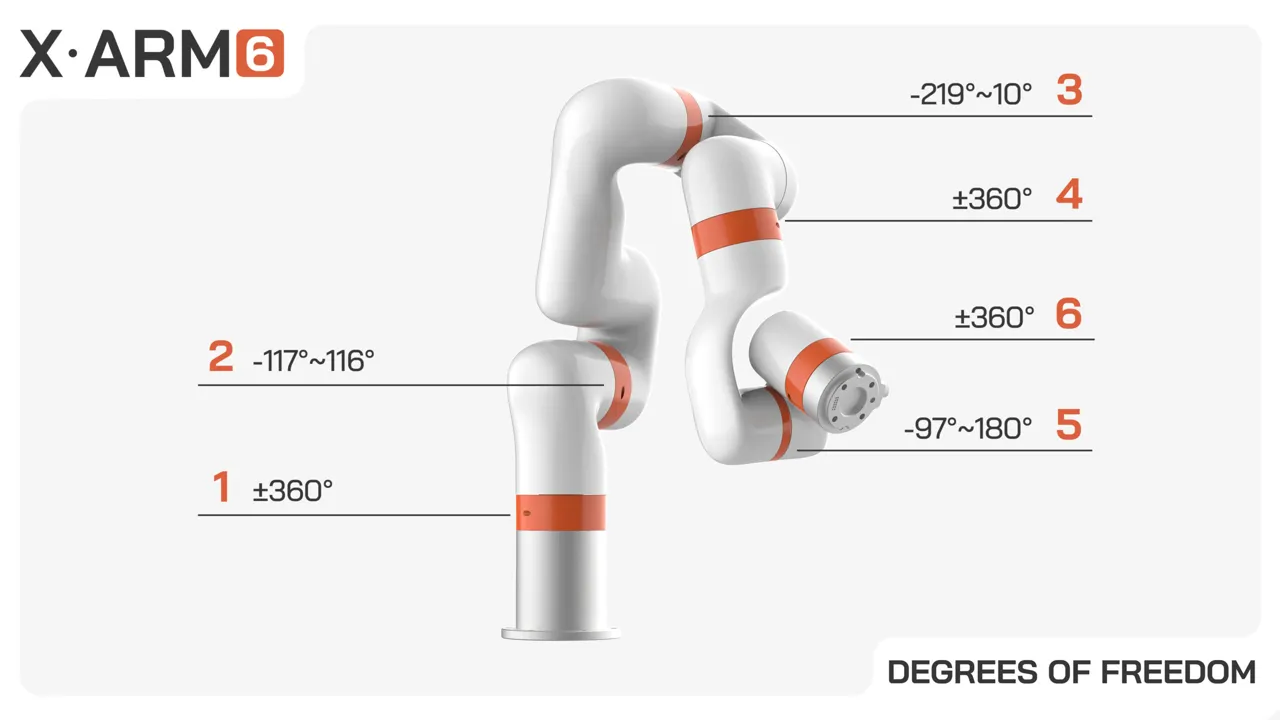
Two 6-axis arms of almost the same weight. The AR4 is an affordable 6-axis robot arm kit, open source from the frame to the firmware, at well under half the price. The xArm 6 is a finished UFACTORY collaborative robot with more payload and tighter repeatability. Here is who wins each category, using each maker's published numbers.
$0
AR4-MK5 combo kit, starting price
$0
xArm, lowest listed price
0 mm
AR4 reach (xArm 6: 700 mm)
0.0 kg
AR4 payload (xArm 6: 5 kg)
Scoreboard
The AR4 leads on cost, openness, and learning. The xArm 6 leads on payload, repeatability, and built in safety. Which matters more depends on the job.
AR4 leads
Value, openness, learning
7
xArm 6 leads
Payload, precision, safety
6
At a glance
A fully equipped AR4 costs less than half of the lowest xArm list price.
Specs
Every row has a winner badge. Filter by category, or turn on the highlight. AR4 values are from the AR4-MK5 build manual specification sheet. xArm 6 values are from ufactory.cc. "Not published" means the maker does not list it.
| Spec | Annin AR4-MK5 | UFACTORY xArm 6 |
|---|---|---|
| AxesEven | 6 | 6 |
| ReachxArm 6 | 629 mm (24.75 in) | 700 mm |
| PayloadxArm 6 | 1.9 kg (4.15 lb) | 5 kg |
| RepeatabilityxArm 6 | 0.25 mm | ±0.1 mm |
| Max speedxArm 6 | Max linear speed: 100 mm/s | 1 m/s at the tool, 180°/s per joint |
| Arm weightEven | 12.25 kg (27 lb), aluminum | 12.5 kg arm only, aluminum and carbon fiber |
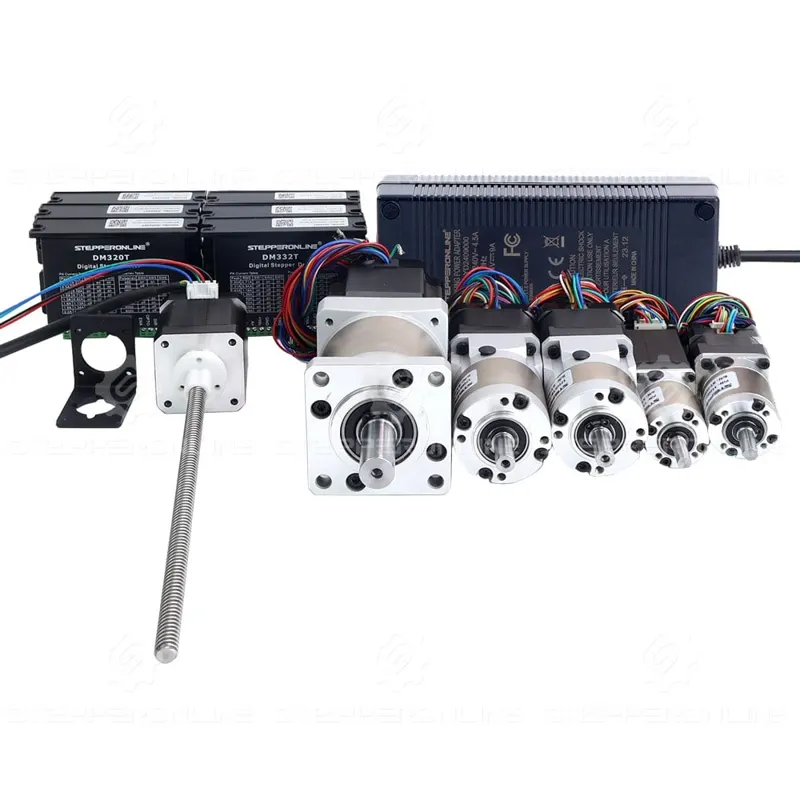
| Drives | Stepper motors with encoders and belt or gear reduction, DM332T and DM320T drivers | Servo motors with harmonic drives |
| Controller | Teensy 4.1 for kinematics, Arduino Nano or Mega for I/O | UFACTORY control box (AC or DC version), included |
| Power | 198 W max, 8.25 A at 24 VDC | Typical 200 W, max 500 W, 24 VDC 20.8 A |
| Collision detectionxArm 6 | Not published | Yes, on all UFACTORY cobots |
| SoftwareEven | Python HMI with digital twin, ROS 2, Modbus, G-code | UFACTORY Studio (browser based), Python and C++ SDK, ROS and ROS 2 |
| Open sourceAR4 | Mechanical design, electronics, and software | SDK and ROS packages on GitHub. The arm hardware is not open. |
| PriceAR4 | Combo kit from $1,229. Motor package $699. Printed covers extra. | xArm listed at US$5,299 to US$5,494 |
| DIY and kit optionsAR4 | Combo, aluminum ($699), hardware ($319), and electrical ($229) kits, or source parts yourself | Sold assembled only. Plug and play. |
| WarrantyxArm 6 | Not published | 1 year against manufacturing defects |
xArm 6 advantages
The xArm 6 reaches 71 mm farther and is rated for about 2.6 times the payload.
AR4 advantages
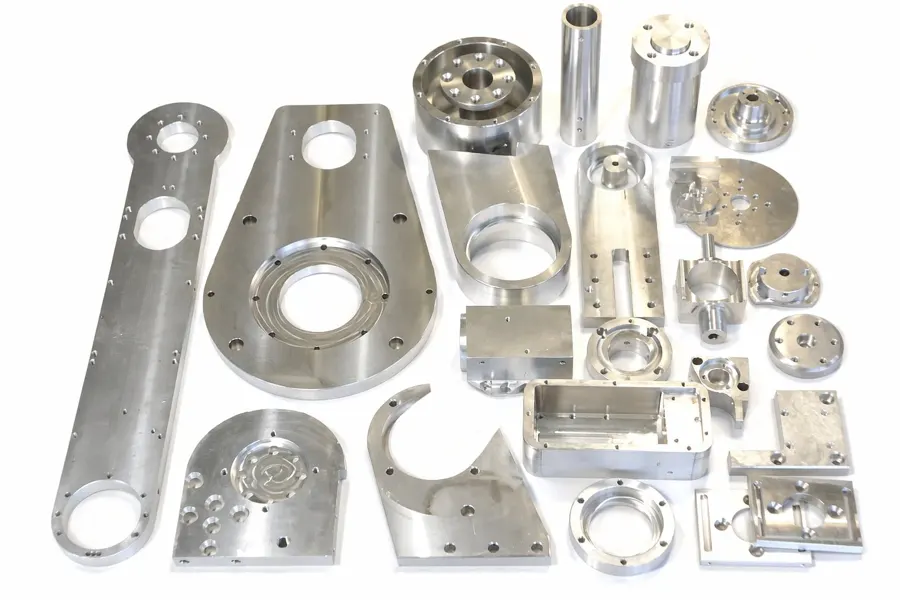
Mechanical design, electronics, firmware, and HMI software are all open. UFACTORY opens its SDK and ROS packages, not the robot.
Combo kit, motor package, and printed parts come to $2,227.98 in list prices. The xArm is listed from $5,299.
Building the arm teaches mechanics, wiring, stepper drives, kinematics, and programming.
Forum threads, user builds, tutorials, and videos from AR4 owners worldwide.
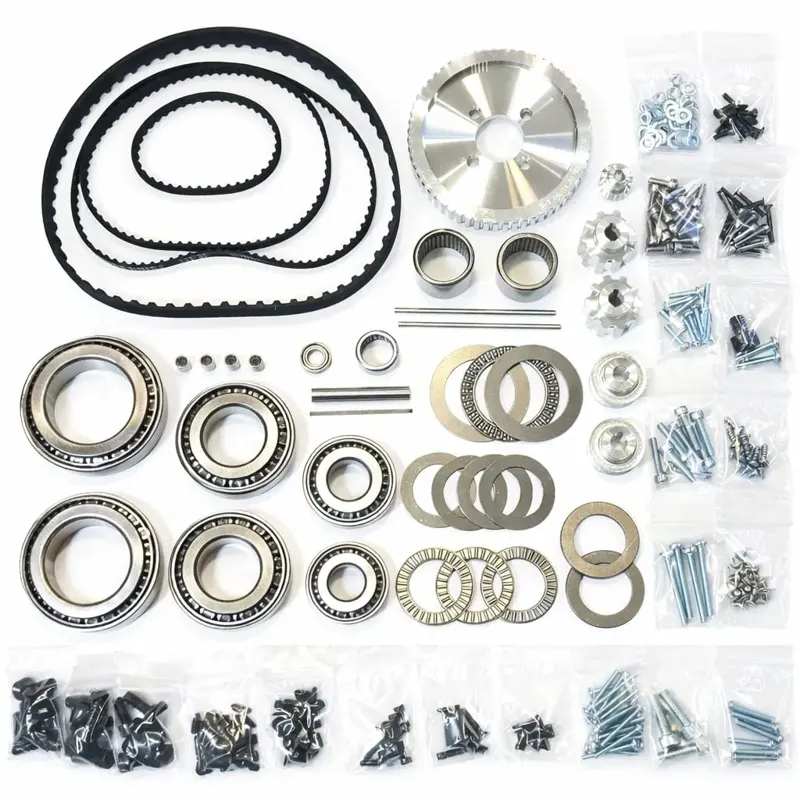
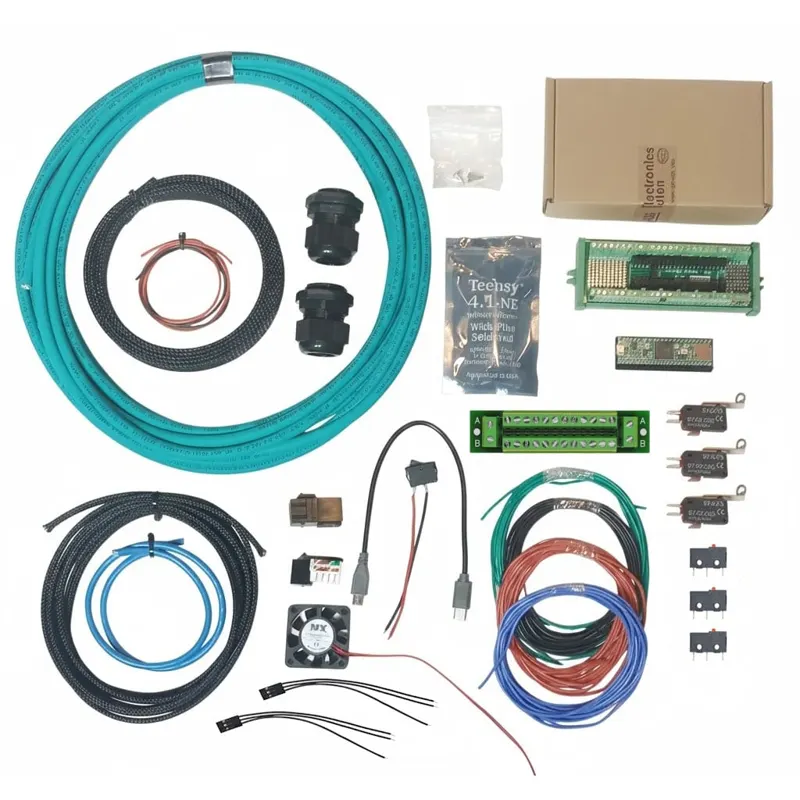
Buy the full combo, or the aluminum, hardware, and electrical kits separately.
Standard parts, a full build manual, and upgrades like the Hall effect sensor kit and HTD belts.
xArm 6 advantages
5 kg rated, vs 1.9 kg for the AR4.
±0.1 mm published, vs 0.25 mm.
700 mm, vs 629 mm.
Servo motors with harmonic drives, rated by UFACTORY for 24/7 use.
Built in, with hand teaching.
Arrives assembled with a control box, CE marking, and a 1 year warranty.
Edge: xArm 6 for drives, AR4 for repair access
AR4-MK5
12.25 kg, aluminumUFACTORY xArm 6
12.5 kg arm onlyEdge: depends on your goal
AR4-MK5
198 W maxUFACTORY xArm 6
Typical 200 W, max 500 WEdge: AR4 for openness, xArm 6 for polish
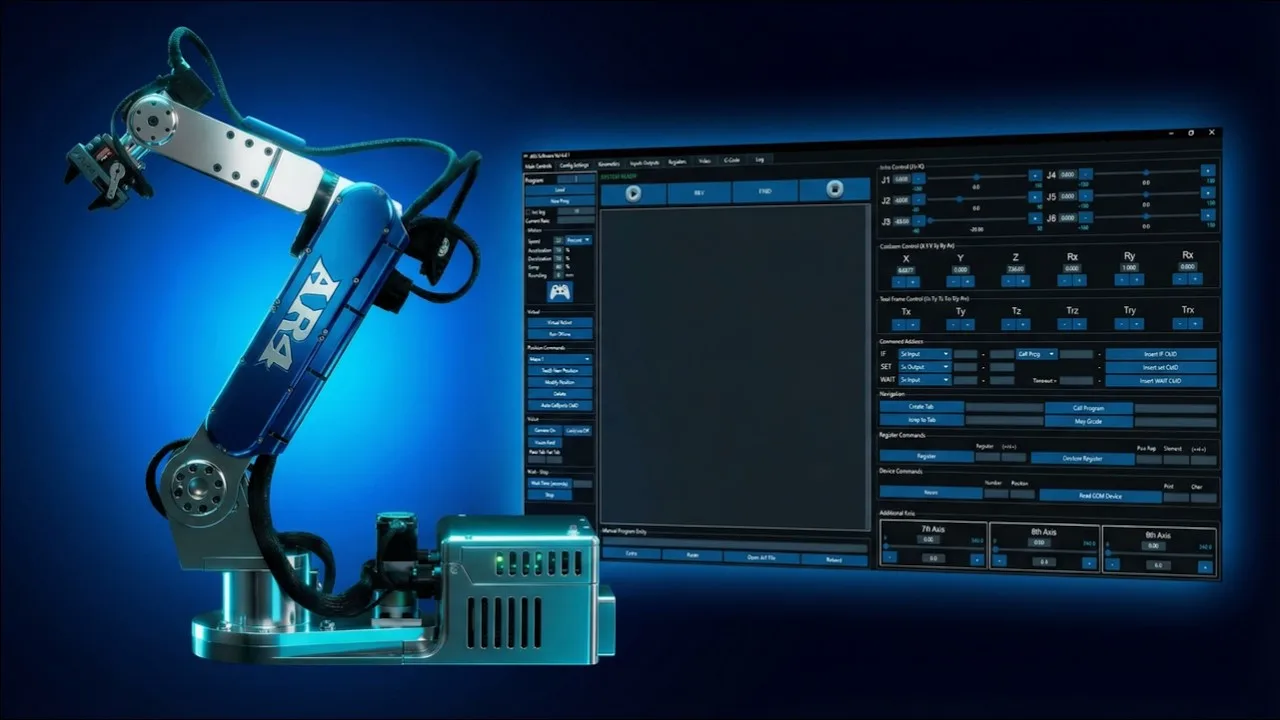
AR4-MK5
Free and openUFACTORY xArm 6
UFACTORY StudioEdge: xArm 6
0.25 mm
AR4-MK5 published repeatability
±0.1 mm
xArm 6 published repeatability xArm 6
Repeatability is how closely an arm returns to a taught point, not absolute accuracy, and neither maker publishes an absolute accuracy figure. These are maker figures, not tests we ran. AR4 results also depend on how carefully the kit is assembled and calibrated.
Edge: AR4
AR4-MK5
You built it, you can fix itUFACTORY xArm 6
1 year warrantyEdge: AR4
Set the number of arms and what you buy. Only list prices from anninrobotics.com and ufactory.cc are used.
$2,248 per arm
$5,299 per arm
The AR4 setup saves $3,051 across 1 arm, about 2.4 AR4s for every xArm 6.
List prices only. Shipping, tax, tools, grippers, and your build time are not included. Spare parts and repair costs are not published by UFACTORY, so they are left out instead of guessed. The xArm price includes its control box. The UFACTORY page lists a price range for the xArm without stating which configuration each end covers.
Use cases
Our pick: AR4
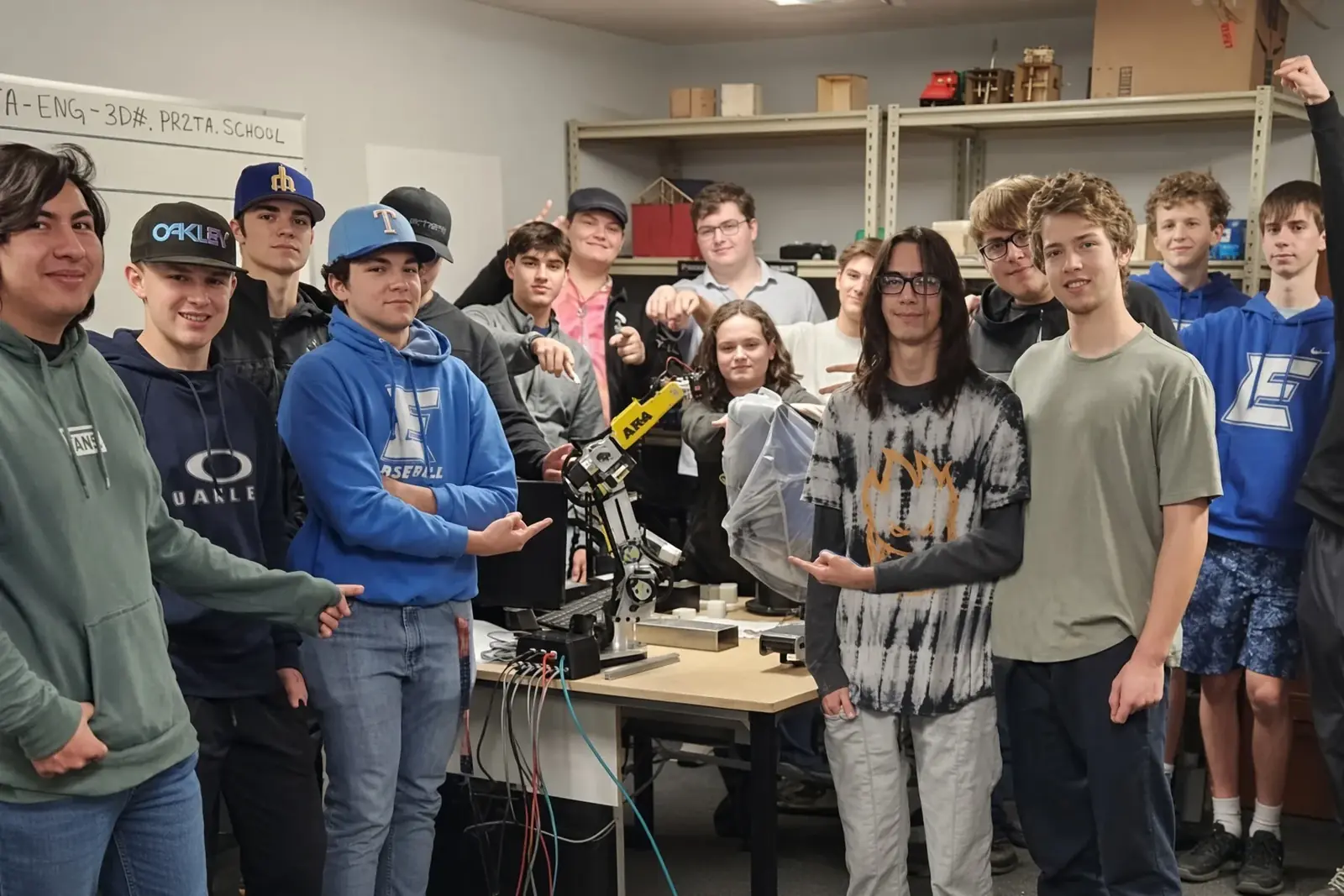
Students build the arm, wire it, flash the Teensy, and then program it. Every part is documented and replaceable, so a broken link becomes a lesson instead of a service ticket. A full AR4 costs a fraction of one xArm, so a lab can field several cells.
The xArm suits courses that only need to program a finished arm, with hand teaching and a browser interface on day one.
Our pick: Depends
The AR4 is ideal when you want to change the robot itself: new end effectors, custom joints, firmware experiments, or many arms for learning data. ROS 2 and Python are supported.
The xArm 6 is stronger when you need 5 kg payload, ±0.1 mm repeatability, and collision detection out of the box. UFACTORY shows dual xArm 6 imitation learning work on its channel.
Our pick: AR4
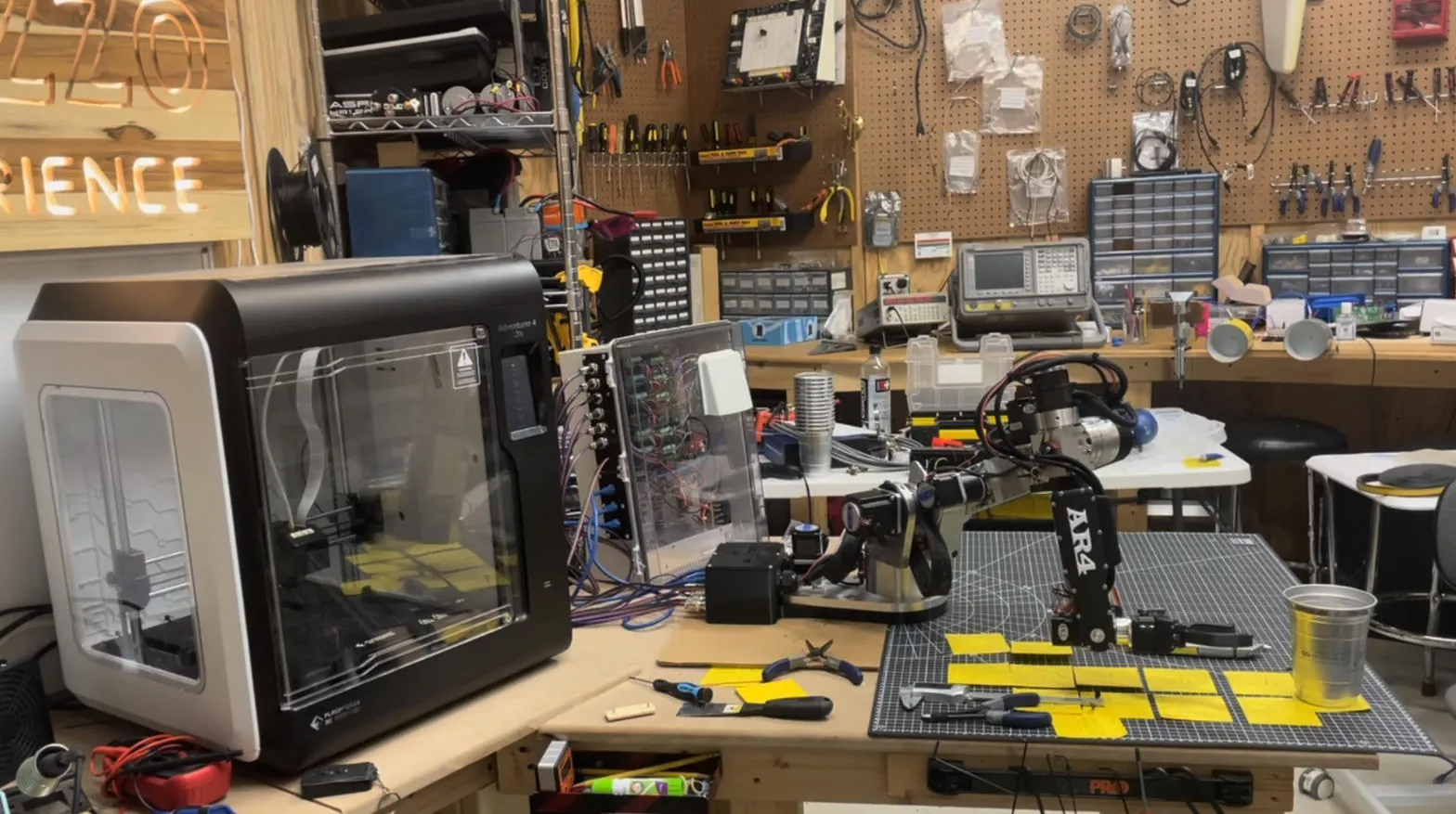
The AR4 was made for builders. You can buy kits in stages, print your own covers, and lean on years of community builds, forum threads, and videos.
The xArm 6 price is hard to justify for most home shops.
Our pick: Depends
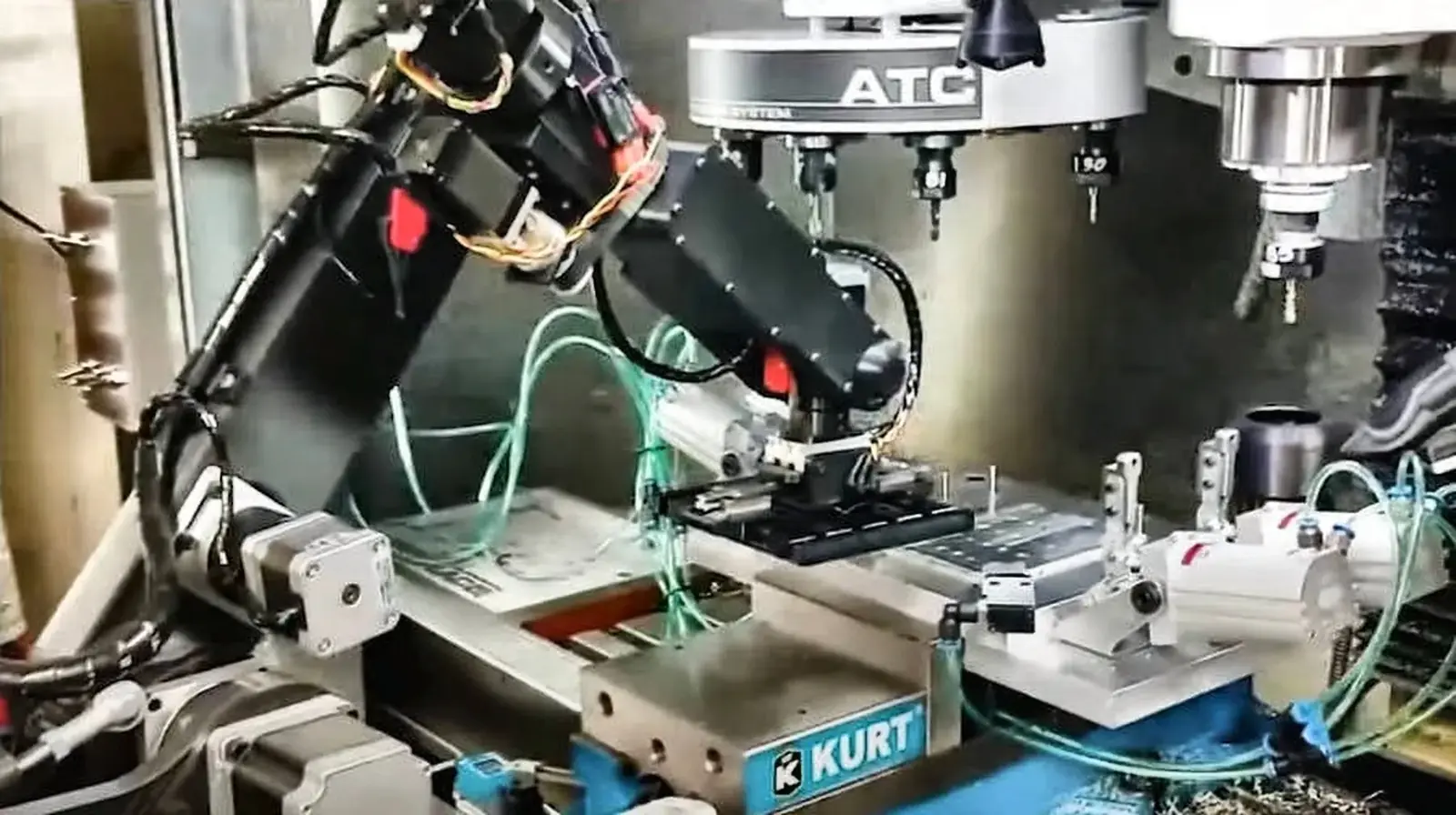
AR4 owners run machine tending, sorting, grinding, and vision pick and place, and Modbus links it to a PLC. It fits prototypes, test fixtures, and low cost cells.
For 24/7 production with heavier parts, the xArm 6 harmonic drives, servo motors, CE certification, and 1 year warranty are real advantages.
Edge: AR4 for community
AR4-MK5
Community drivenUFACTORY xArm 6
Vendor supportVideos
AR4 MK5 Offline Robot Programming | Python ROS2 Simulation
Chris Annin on YouTube. Open on YouTube
AR4 Robot Arm ROS2 Tutorial: MoveIt2, ros2_control, Docker, C++ Motion Planning
Chris Annin on YouTube. Open on YouTube
xArm6 Robot Arm Provides an Innovative Dispensing
UFACTORY on YouTube. Open on YouTube
UFACTORY xArm Hardware Installation
UFACTORY on YouTube. Open on YouTube
Bottom line
For value, learning, open source, and DIY, the AR4 is the better fit. For heavier payloads, tighter precision out of the box, or working next to people, the xArm 6 is the better fit.
Best value
AR4
A complete 6-axis arm for less than half the lowest xArm list price.
Learning and classrooms
AR4
Building it teaches mechanics, wiring, and kinematics, and labs can field several.
Open source and hacking
AR4
Change the firmware, the HMI, or the hardware itself.
Makers and tinkerers
AR4
Kits your way, printed covers in any color, standard parts.
Heavier payloads
xArm 6
5 kg rated payload vs 1.9 kg.
Higher precision out of the box
xArm 6
±0.1 mm published repeatability, and it arrives assembled.
Working next to people
xArm 6
Collision detection and hand teaching built in.
FAQ
Yes. The AR4-MK5 is a 6-axis articulated arm with an aluminum structure, 629 mm reach, 1.9 kg payload, and 0.25 mm repeatability, per the MK5 build manual specification sheet.
The xArm 6 ships assembled with servo motors, harmonic drives, a control box, collision detection, and a 1 year warranty. The AR4 uses stepper motors and you assemble it, which removes most labor and margin from the price.
UFACTORY publishes ±0.1 mm repeatability for the xArm 6. Annin publishes 0.25 mm for the AR4-MK5. Both are maker figures, not tests run by us.
Yes. The AR4 has a Python HMI and ROS 2 support. UFACTORY provides a Python and C++ SDK plus ROS and ROS 2 packages on GitHub.
The combo kit starts at $1,229. The StepperOnline motor, driver, and power supply package is $699. A 3D printed parts set is $319.99, or you can print the covers yourself. Shipping, tax, and tools are extra.
Yes. Every part is in the open design, the parts are sold individually, and the joint motors and drivers are standard catalog items. UFACTORY does not publish a parts level repair program for the xArm 6 on its product page.
Build time depends on experience. Annin does not publish a single build time figure. The free build manual and video series walk through each step.
Industrial kinematics on a desk, open source from the ground up, at a price a classroom can afford.
References
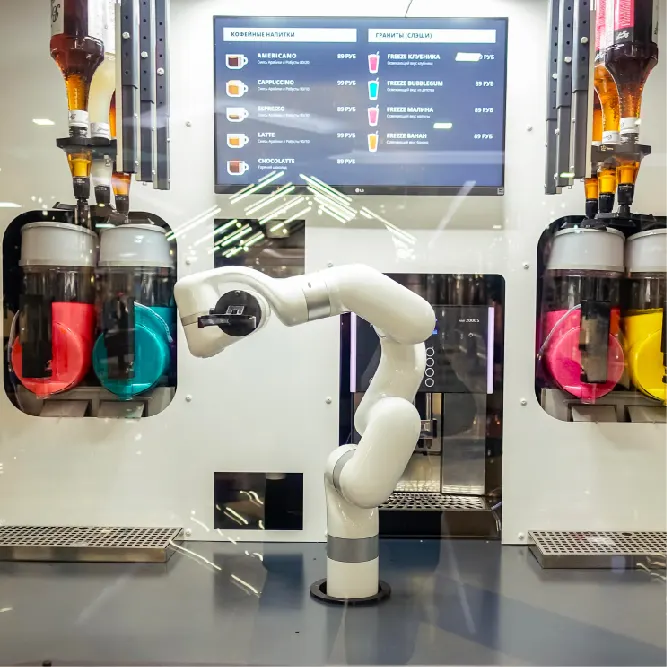
xArm figures retrieved from ufactory.cc on October 25, 2026. The same UFACTORY page also mentions a 15 kg weight in its marketing copy, while its spec table lists 12.5 kg for the xArm 6 arm only. We use the spec table. The kiosk photo is from UFACTORY's case studies page, which does not name the xArm model shown. UFACTORY and xArm are trademarks of UFACTORY. This page is not affiliated with or endorsed by UFACTORY.