
AR4 software version 8.1
2026-11-06
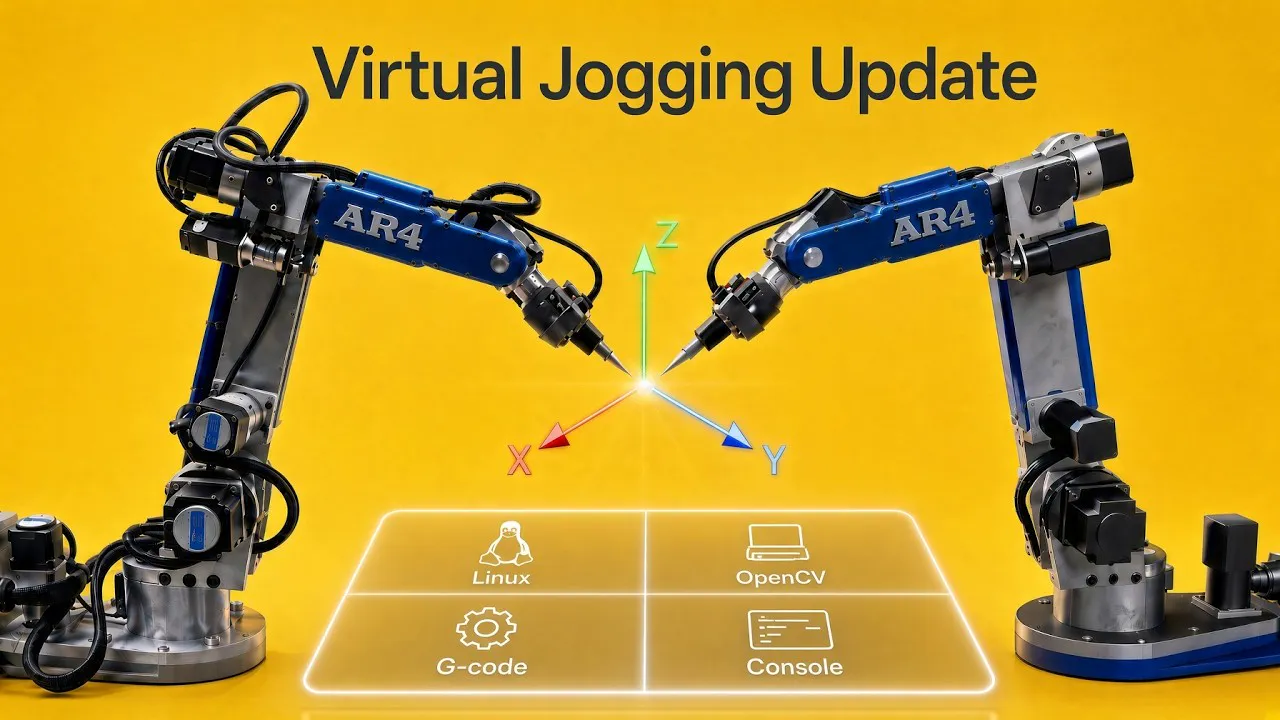
Hey everyone. I've got a couple more updates for the AR4 software. This one is version 8.1. In the last video, version 8.0 added robot targets: import a piece of CAD, click it, and create targets you can bring into a program.
- Virtual jogging. Control-click the virtual robot and a triad appears at the end of the arm, and you can jog from there. When you jog the virtual robot, the real robot moves with it, unless you click offline mode and control only the virtual robot. Hold Alt and the triad switches to the world frame. Let go and it goes back to the tool frame, jogging according to the gripper.
- Interface. Some of the graphics and layout are updated, with indicators for whether the robot or the IO board is connected. It has the same motion settings for speed, acceleration, deceleration, and the rest. You can control the robot from an Xbox controller. Open the virtual robot and choose offline or online, depending on whether you want to control the real robot.
- Programs. Create a new program and insert a joint move or a linear move. Jog to positions with the joint controls, the Cartesian controls, or tool-frame jogging. Under the other commands there are offset moves for stacking and position offsets, and arc moves. There are builders for if-then statements, based on an input from a 5V Nano or Arduino board, a COM device, or a Modbus input from a PLC.
- CAD and the command window. In system setup you can import a CAD file, move it, and click the object to teach points. In the video that file is a base plate. Teach all of the points as a joint move or a linear move and they go into the program. In the command window you can select moves, then copy, paste, or delete them from the keyboard, or copy them into the manual entry field. You can give each position a name. You can also open the program in a text editor, edit it, save it, and reload the changes.
- System setup. The tab has communication, robot calibration, offsets, the theme, virtual import, and tool import if you want to change the robot tool. Under robot parameters are the DH parameters, drive microsteps, position limits, and motor directions: what you need to update the software for your own custom robot. There is a default robot model if you are running an older version of the AR4.
- External axes 7, 8, and 9. You can calibrate an external axis and, on the main tab, set a seventh, eighth, or ninth axis: a travel track, a rotary, or whatever else you are controlling with the robot. This tab also has the tool-frame offset. The default Z value is 84, and the TCP in the virtual robot sits 84 mm out from the flange, at the pointer. Set that Z value to 0 and the TCP moves to the face of the flange. Set it for the tool you are using.
- IO, Modbus, and registers. The input/output tab is for setting and testing IO on an Arduino board or an auxiliary COM device, such as a barcode scanner, and for testing Modbus PLC inputs and outputs. A PLC can control the robot, or the robot can read and write a PLC. The registers tab shows the registers. In the example, position register 1 element 3 is Z. Add 10 mm, put that in the robot command, and each time you execute it the Z value for position register 1 goes up by 10.
- Vision and G-code. The vision tab is for vision-guided picking. Connect any webcam that looks down on the work area and go through the calibration. There is a separate tutorial on that. Basic G-code is there for 2D work, and there are videos on the G-code setup.
- Linux. I fixed a few bugs and updated the repo to be compatible with Linux. It had fallen out of date. The last version that was compatible was 6.5, and it had a few bugs. Those are fixed. Clone the repo to your machine, source the virtual environment, and run python AR4.py. Version 8.1 opens and runs on Linux. Then go to system setup, connect the COM port, and it should run as it does on Windows.
The website has been completely redone. On the homepage it highlights uses for the robot in industry and education, and ways to control it: the graphic interface, ROS 2, and the Python API if you have your own program. There are application examples and highlighted videos. Under downloads you can get the full build manual, which goes through the build step by step, the executable for software version 8.1, the source code, and the firmware for the robot control board. The official Git repository is there if you want to clone it, including for Linux. The same page has the ROS 2 repositories, the auxiliary board sketch files, and the 3D print files for the covers, spacers, and gripper parts. The documents there include an example kinematic calculation sheet, a DH parameters spreadsheet, a modified DH parameter spreadsheet, and motor calculation steps, including for a custom robot. The API commands manual is there for the Python API. On the tutorials page there are tutorials for programming, robot setup, commissioning, and ROS 2, plus a video on how the math works for controlling a six-axis robot. That video matches the spreadsheets.
Under resources there are links to tutorials, the knowledge base, and the FAQ. The ROS 2 page has links to information on ROS 2. The education page highlights colleges and universities using the robot. The user builds page is where people share their builds and applications. The community is where people share what they have done and ask questions.
If you want a kit, the two main things are the combo kit, which has the hardware and parts, and the motors and drives. The motors and drives come directly from StepperOnline. I don't resell those, and I don't add taxes, tariffs, or additional shipping on them. StepperOnline has warehouses in the US, China, and the UK. If you want a gripper, you can get a servo gripper or a pneumatic gripper. The build manual lists the full bill of materials, so you can source all the parts yourself or machine them. The kits are on the robot kits page.
That's everything I have for this video. If you have any questions, please reach out. My email address is chris@anninrobotics.com.