
Screen Resolution Problem
Hello,
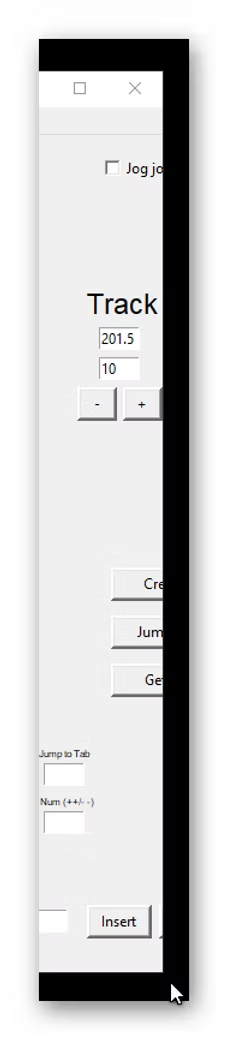
Having built the robot and tested it, I would now like to use the Xbox controller, but part of the software screen is missing on the right-hand side (as image). I have edited ARCS.py at line 70, but it doesn't seem to make any difference. Any suggestions would be appreciated. Thanks,
Lee.

Plugged in the wide-screen monitor which allowed me to see half of the Xbox icon, a slight improvement but still not full screen. This allowed me to at least activate the Xbox controller. I then plugged the cables back into the other monitor and could see the same screen, but it was distorted. I rebooted the PC and the original screen appeared, but no Xbox icon . I'm not quite sure what the issue is, but it's as if Windows remembered the settings from the wide-screen monitor which was then output to my normal monitor when plugged back in.

8 replies
Chris Annin
have you tried setting the windows display setting to 100% ?