
What is the AR4 mechanical arm communication protocol, and is there an SDK? How to control the robotic arm directly with code

Hi everyone,
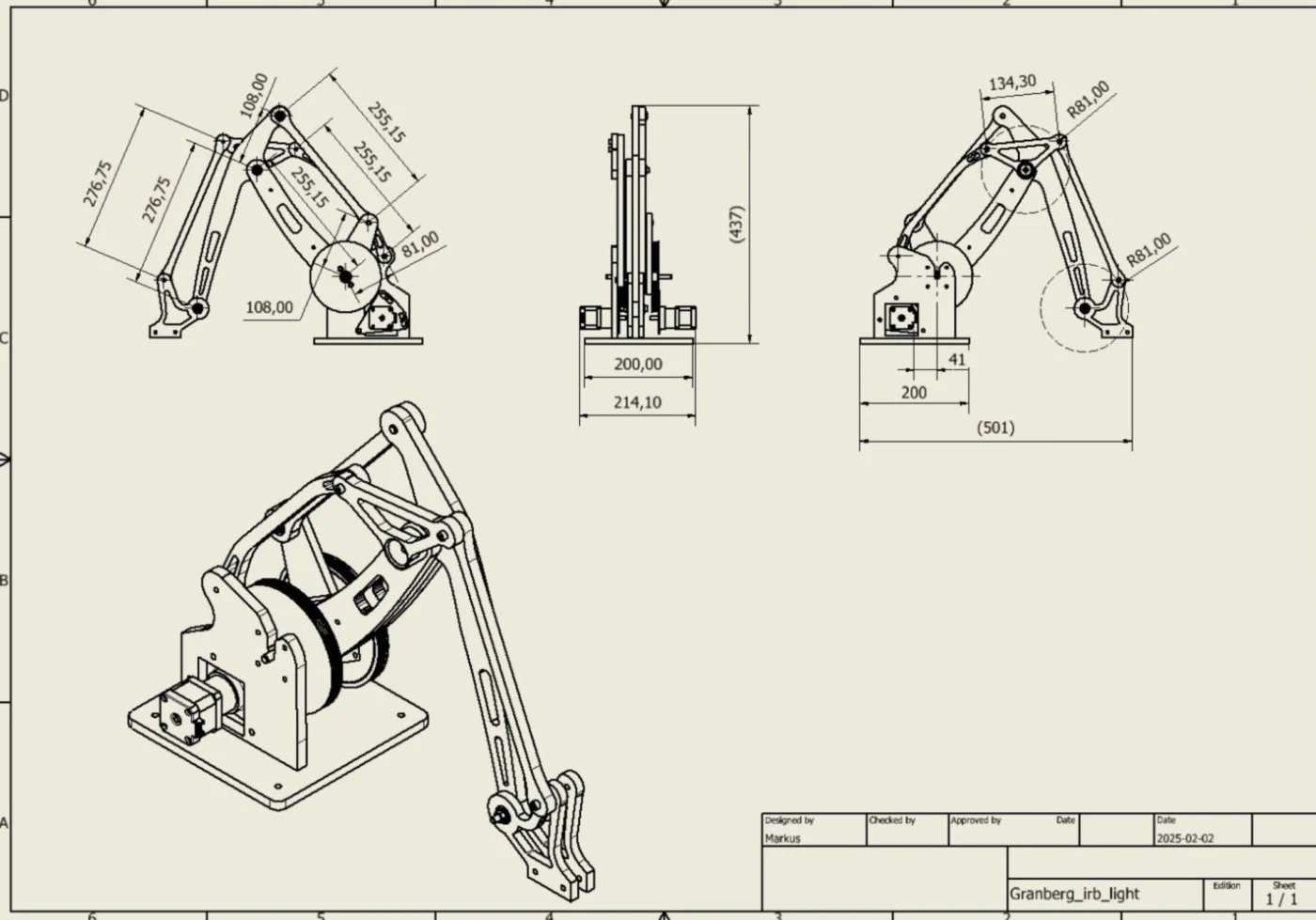
I’ve built my own robot arm that’s a bit simpler than the AR4 — it has a rotating base, a shoulder joint, and an elbow joint (3 DOF in total). The arm also uses a parallelogram linkage to keep the end effector oriented.
I read that the AR4 software has support for “3rd party robot design.” Would it be possible to describe a robot like mine in that system and run it with the AR4 controller + software?
Is it enough to specify link lengths, joint order, and limits, or does the inverse kinematics code also need to be modified?
Has anyone here successfully run a simpler 2–3 DOF robot through the AR4 software?
My main goal is to take advantage of the teach mode and interface, but with my own hardware setup. Any guidance or examples would be greatly appreciated!
Thanks in advance

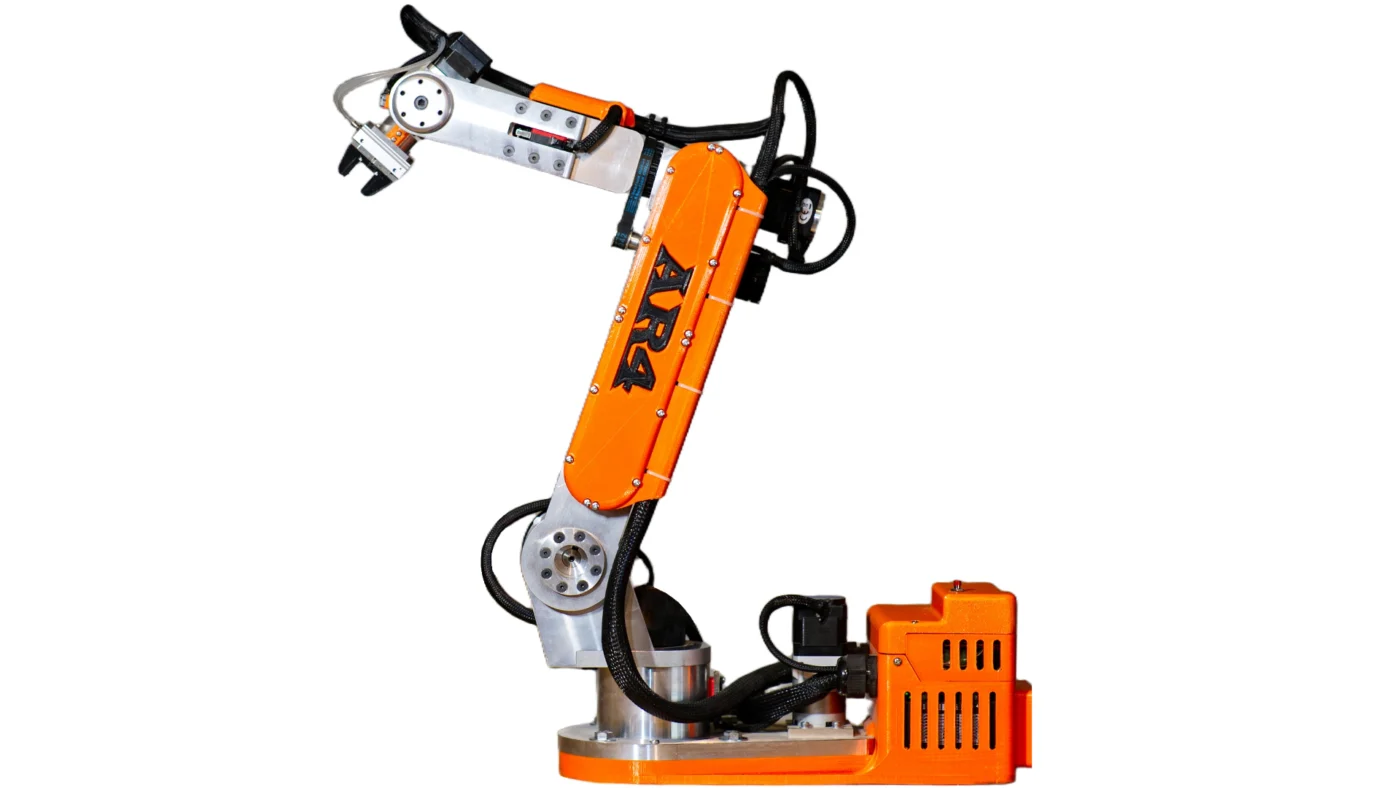
Software V6.2 for the AR4 6-axis robot is now live.
This release introduces Xbox controller integration for intuitive jogging and teaching, a redesigned dark/light theme UI, and advanced Tool Z jogging for precise tool control.
Download the updates here:
https://anninrobotics.com/downloads/

Hello, I am attempting to use my own software on an AR2 converted to AR3(uses AR2 motors), but am having position issues. The arm can calibrate itself and move to a position, but the output angles do not correlate to my input angles. I'm suspect of my step/angle and I don't believe my code accounts for the pully(J1/J4), chain(J3), and screw(J5) ratio yet. Thought I'd post to see if anyone had these values or solutions, while I work on getting them.

After many month, I finally started to commission my AR4. Tested the encoders, verified the correct rotations of the joints and confirmed limit switches are working. I now calibrate each joint separately. For J4 I ran into an issue though. It does find the limit switch, and then confirms the position but when it should go back to 0, it tries to do a full rotation in the opposite directions. It hits the limit switch but overshoots and I need to stop it manually to prevent it damaging the wires.
To confirm it works, I did run the limit switch test program and jogged it manually into the limit switch. It works just fine.
Any advise? Many thanks!

AR4 bearing question . Is the small bearing the belt rides on supposed to turn? Or does the belt slip on it?

A huge welcome to our newest builders and members! We're excited to have you join the AR4 community.
Introduce yourself!
- Where in the world are you building from? 🌍
- Your Robotics Background (Total newbie? Seasoned pro?)
- Your AR4 Goal (A specific project? Just for fun? Learning to code?)
- What's the number one thing you hope to do with your AR4?
To get you started:
• Explore our tutorials for step-by-step build guides. https://anninrobotics.com/tutorials/
• Check out the new Knowledge Base for answers to common questions. (we are adding to this daily) https://anninrobotics.com/docs/
Great to have you here! Feel free to share photos, videos, anything about your build.
DAE CHUL KIM, An Duong , Suzanne Keilson , salvador lopez , sultan alrodan alrodan , Jarred Poehler , r2owb0 , Mall Tele , Côme Rossary , Maximilian Vogt , Lorenzo Amore , Johan Eftevag , Johan Eftevag , Samarth Kottary , Yi Yang , Vijay Lagad , Cynthia Silvan , Fer Cabrera , Leander Seyffer
Also, please let me know if you are an owner of the AR2, 3 or 4 and I can add a badge next to your name.

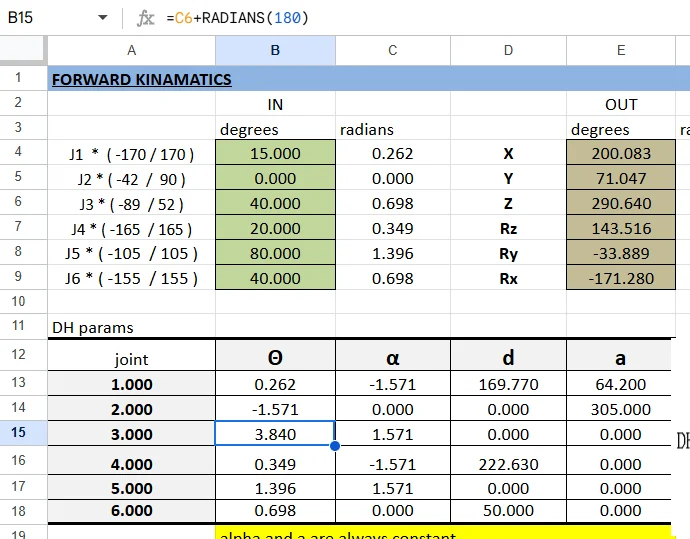
Hi everyone, I'm build a robot arm from scratch and the AR4-MK3 has served as a great source of inspiration. I've been playing around with the calculation sheet a while and I wonder why there are some offsets values for the joint angle in the DH Table. See the attached picture.

The original fan cover has been designed for plain fan. Problem, such fan is extremely noisy.
One of the AR4 community suggested to use the 40mm Noctua fan.
To take full advantage of the Noctua fan I decided to use a better suited guard. The new enclosure also provides a better air flow.
It is possible to use the fan with or without the “Low Noise Adaptor”.
Better without it for the main enclosure to provide more air flow.
Refer to the photos available on Printables to have some examples on how to install ir. Feel free to ask if needed.
https://www.printables.com/model/1404276-new-ar4-mk3-robot-fan-cover-for-noctua-fan
Attached are two photos to have a first look
Three short video are available using the link below to get some idea of the noise before and after 🙂
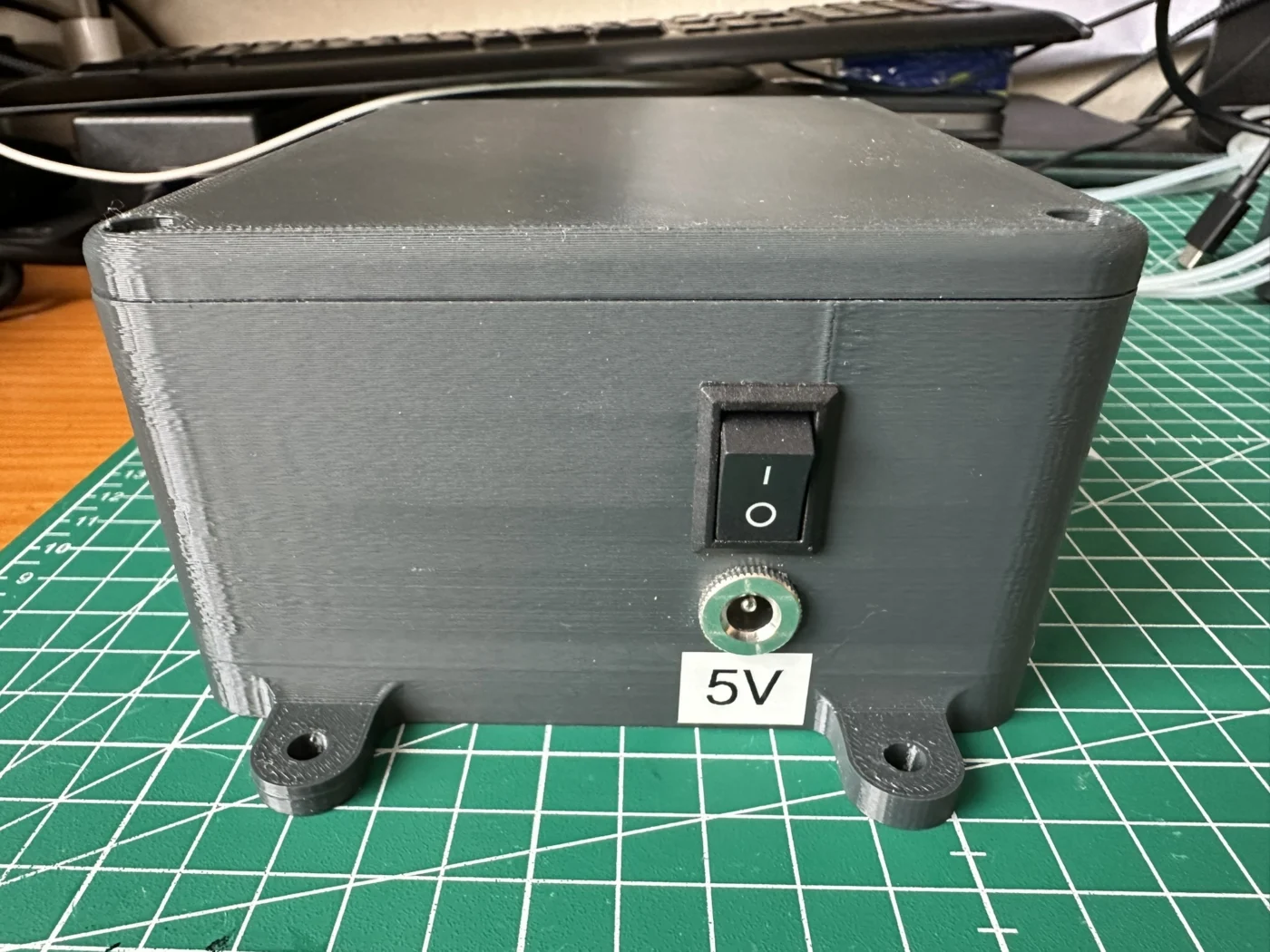
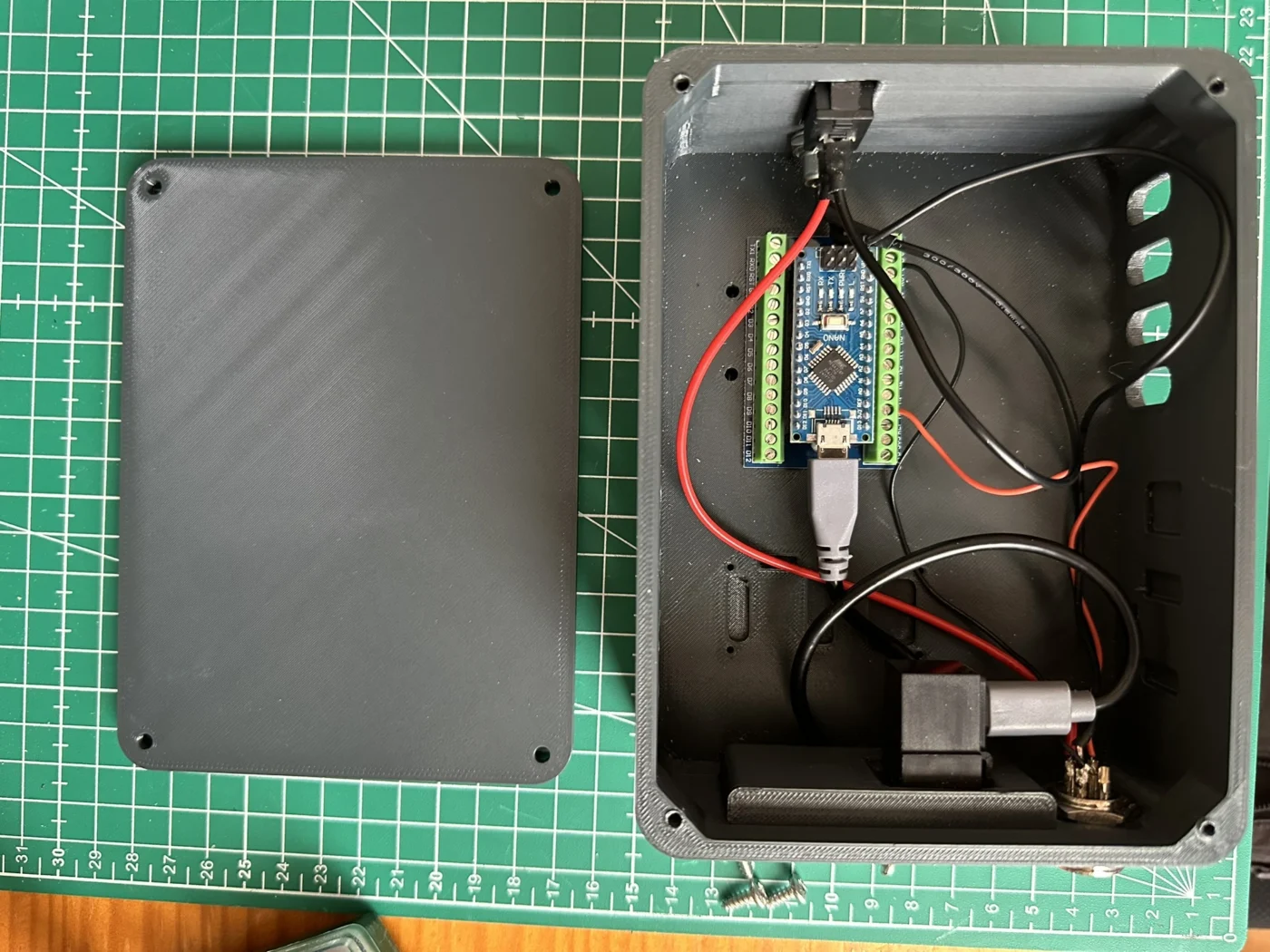
Do you want to save some space ? Using the original design (thanks to Chris), I created a smaller enclosure for servo gripper only.
Details here ;
https://www.printables.com/model/1404143-auxiliary-enclosure-for-servo-gripper-only-for-ar4
Note : in the final design switch and plug are on the left to make installation easier inside.