
Calibration tutorial
How to Calibrate a Robot Arm
A robot arm only knows where it is if every joint starts from a known reference. This tutorial follows the AR4's startup and calibration procedure, from first power up to fine offsets.
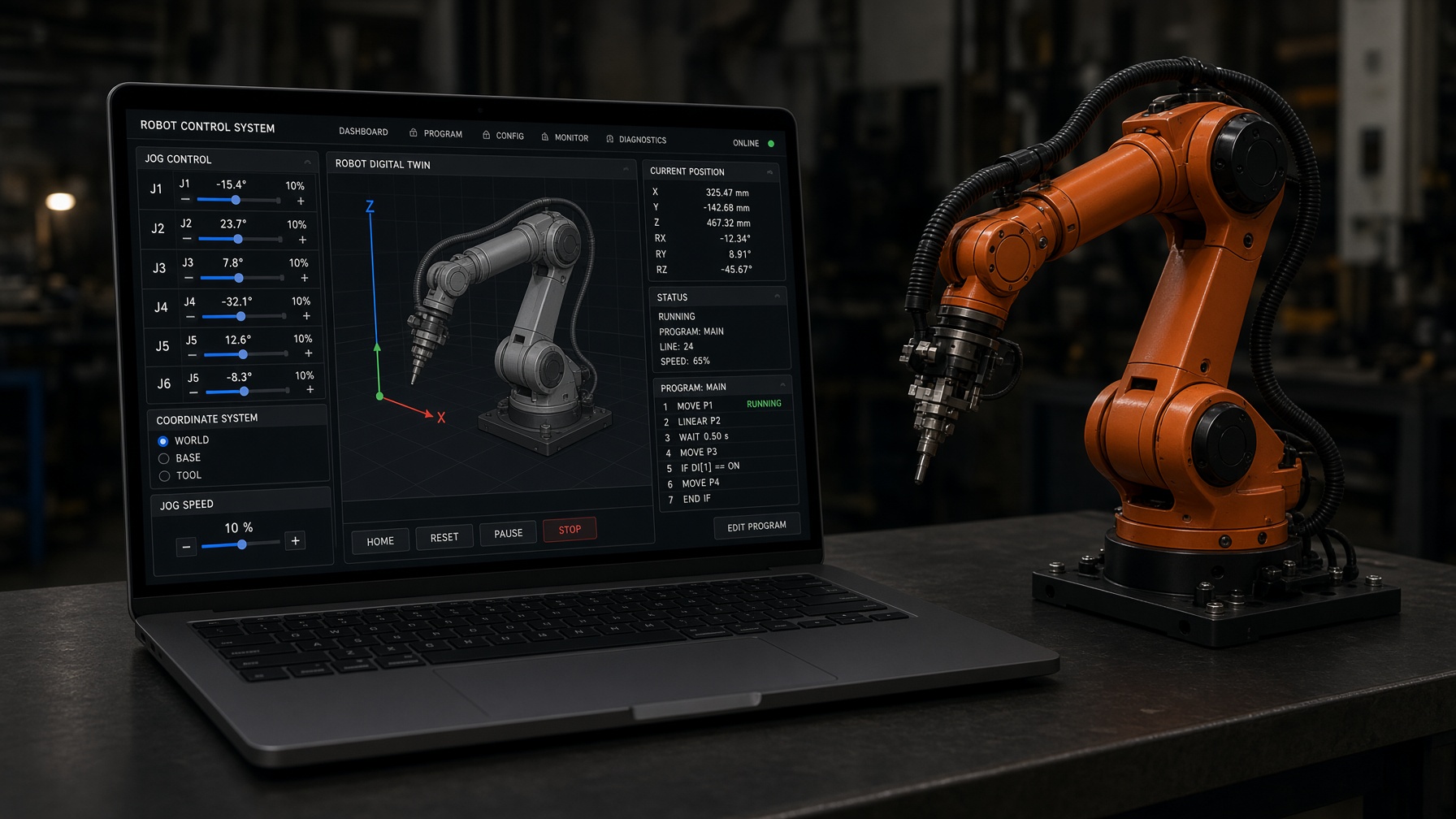
How AR4 homing works
Each joint drives to its home sensor (Hall effect sensors on J1 to J3, microswitches on J4 to J6 on the MK5). The controller then sets the joint position, and encoders on every joint keep track from there.
Hall sensors
J1 to J3
Microswitches
J4 to J6
Encoders
Every joint
Offsets
Per joint
Before you calibrate: first startup checks
On a new build, Chapter 8 of the build manual checks everything before the first calibration:
- Step 1Load firmwareInstall the Teensy sketch with the ModbusMaster and ArduinoJson libraries, then confirm the HMI reports communications started and system ready.
- Step 2Jog with encoders offDisable encoders in Config Settings and jog each joint both ways in small steps to prove wiring and direction.
- Step 3Check distanceJog 10° and measure with a digital angle gauge. A wrong distance usually means a wrong microstep setting.
- Step 4Test home sensorsRun the limit switch test and trigger each sensor by hand. Adjust mounts until each one reads reliably.
- Step 5Test encodersRun the encoder test, power off the drivers and move each joint by hand to see counts change.
- Step 6Re-enable encodersTurn encoders back on and jog again to confirm there are no collision or out of position alarms.
Calibrate each joint
Clear the work area: calibration moves every selected joint toward its sensor. In Config Settings, calibrate one joint at a time first to confirm each one homes correctly, then calibrate all joints together.
The AR4 can also calibrate in two stages: the joints selected in stage 1 calibrate first, then the joints selected in stage 2. The tutorials cover two stage auto calibration in the HMI, and the Python API takes the same selections:
AR4 Python API
# AR4 Python API guide example: 1 selects a joint for that stage
robot.calibrate(
    stage1=[1, 1, 1, 1, 1, 1],
    stage2=[0, 1, 1, 0, 0, 0],
    offsets=[0, 0, 0, 0, 0, 0],
)
Fine tune with calibration offsets
Sensors trigger within a small tolerance, so after calibrating, move the arm to its rest or zero position and measure each joint with a digital level or angle gauge. Enter any error as an offset with the opposite sign.
| Measured | J3 is 0.8° past zero |
|---|---|
| Offset | -0.8 |
| Then | Save the settings and recalibrate |
Calibrating under ROS 2
- Launch the driver with
calibrate:=Trueto calibrate on startup. The driver README says calibration is required after flashing or a power cycle. - Call the
/calibrate_maskservice to calibrate selected joints. - Calibration offsets live in the
CAL_OFFSET_DEGarray in the Teensy sketch; reflash after changing them.
Full setup is in the ROS 2 MoveIt tutorial.
Kit plus motors
$1,928
Combo kit $1,229 + StepperOnline motor package $699. Grippers and printed covers are extra.
Keep reading
FAQ
What does calibrating a robot arm do?
It drives each joint to a known reference (a limit switch or Hall effect sensor), then sets the joint's position counter, so the controller's joint angles match the real arm.
How often should I calibrate the AR4?
The ROS 2 driver README says calibration is required after flashing the firmware or a power cycle. Also recalibrate after a crash or any mechanical work on a joint.
My joint is off by a small angle after calibrating. What do I do?
Measure the error with a digital level or angle gauge and enter a calibration offset of the opposite sign. The manual's example: if J3 reads 0.8° high, enter -0.8, save and recalibrate.
Why does a joint move the wrong distance?
The usual cause is a driver microstep DIP switch setting that does not match the configuration. Check a 10° jog with an angle gauge.
Can I calibrate one joint at a time?
Yes. The HMI can calibrate a single joint, the Python API takes a stage list per joint, and the ROS 2 driver has a calibrate_mask service.