
Kinematics tutorial
Inverse Kinematics for a 6 Axis Robot Arm
Every time you jog in Cartesian space or run a linear move, the controller solves inverse kinematics. This tutorial explains the method used for six axis arms with a spherical wrist, using the AR4's open sheets and software.
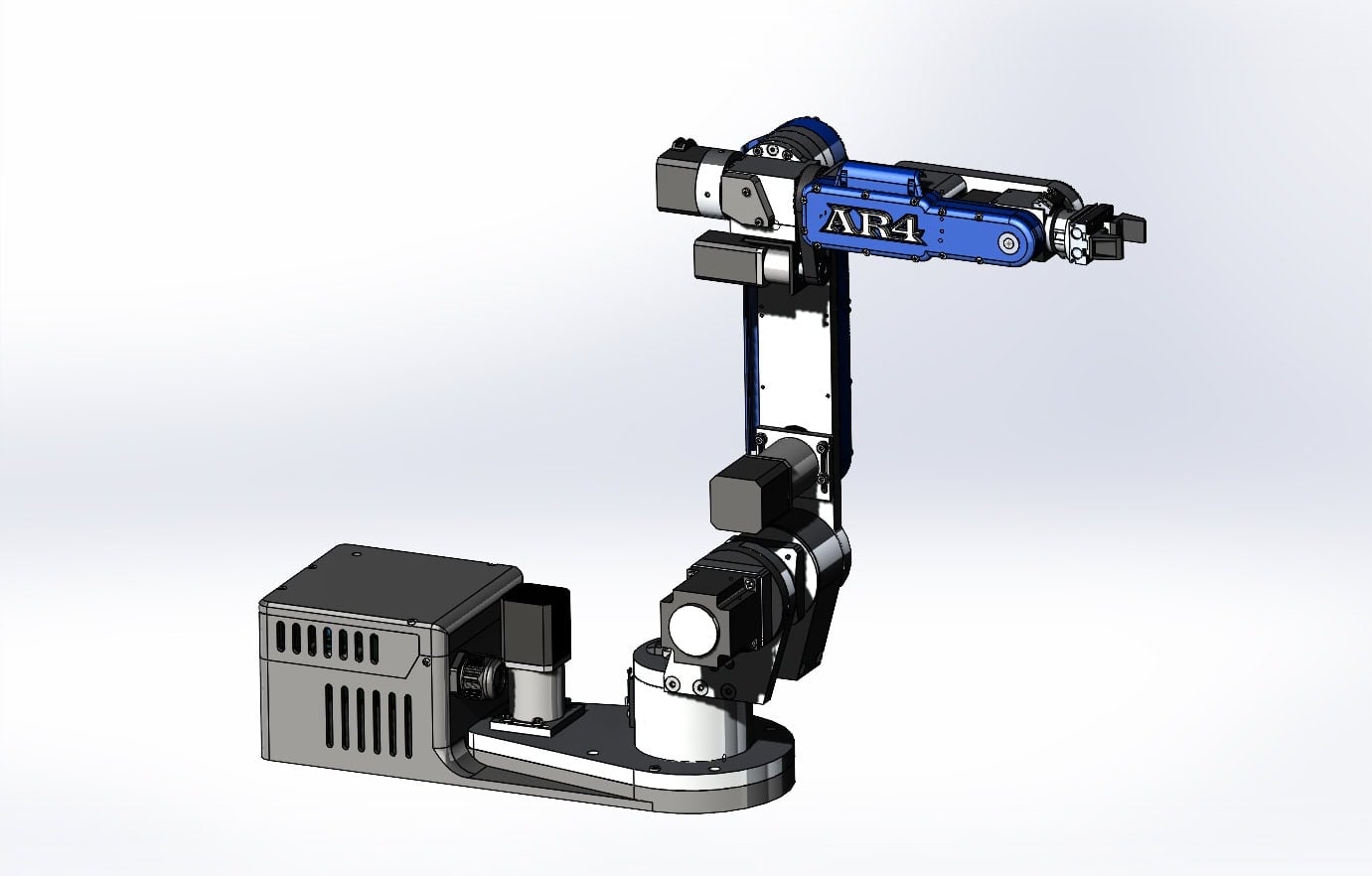
Open kinematics
The AR4 publishes standard and modified DH parameter sheets, and its HMI uses a geometric kinematic solver you can read in the open source code.
Joints
6
Wrist
Spherical
DH sheets
Standard + modified
Solver
Geometric
Start with forward kinematics
Forward kinematics describes each link with Denavit-Hartenberg (DH) parameters: a link length, a link twist, an offset and the joint angle. Each row gives a 4×4 homogeneous transformation; multiplying the six matrices gives the tool pose in the base frame. Add a tool frame transform for your gripper's offset, then read X, Y, Z and the orientation angles from the final matrix.
DH comes in two conventions, standard and modified, which place the frames differently. The AR4 publishes sheets for both, so you can follow whichever your textbook uses.
Inverse kinematics, step by step
- Step 1Find the wrist centerBack off from the tool point along the tool's z axis by the wrist to tool distance. With a spherical wrist, the wrist center depends only on J1 to J3.
- Step 2Solve J1J1 points the arm at the wrist center: the angle of the wrist center in the base plane.
- Step 3Solve J2 and J3The upper arm, forearm and the line to the wrist center form a triangle. The law of cosines gives J3, then J2 follows. Elbow up and elbow down are both solutions.
- Step 4Solve J4 to J6Compute the orientation the first three joints produce, and the remaining rotation the wrist must supply. Read J4, J5 and J6 from it; flipped and not flipped wrists give two answers.
- Step 5Pick a solutionReject answers outside joint limits and choose the one closest to the current pose or the requested wrist configuration.
Outline (pseudocode)
# wrist center from a target pose (R = 3x3 tool rotation, p = tool position)
# d6 = distance from the wrist center to the tool point along the tool z axis
p_wc = p - d6 * R[:, 2]

# J1 from the wrist center's position in the base plane
j1 = atan2(p_wc.y, p_wc.x)

# J2, J3: solve the triangle formed by the upper arm, the forearm
# and the line from J2 to the wrist center (law of cosines)

# J4, J5, J6: R_36 = R_03(j1, j2, j3).T @ R, then read the wrist
# angles from R_36 (two answers: wrist flipped or not flipped)
Flip, no flip and singularities
When J5 passes through zero, J4 and J6 line up. Their sum is fixed but each one alone is not, so a naive solver can spin J4 and J6 wildly. Good solvers hold one angle and solve the other, and limit how far joints may jump between points.
The AR4 HMI's version history shows this being refined in public: wrist flip and no flip configuration, a solver that reduces J4 and J6 wrap, and (version 8.1) IK that solves at the wrist singularity with a jump guard for interpolated moves and jogs.
Practicing on a real arm
- Download the DH sheets from the downloads page and check your own forward kinematics against the HMI's displayed position.
- The kinematics tutorial covers an Excel sheet of the AR4's kinematics and compares the method to Fanuc and ABB conventions.
- The Python API reads the robot's joint angles and pose, so you can test your solver against the controller.
- In ROS 2, MoveIt uses its own kinematics plugin; see the MoveIt tutorial.
Kit plus motors
$1,928
Combo kit $1,229 + StepperOnline motor package $699. Grippers and printed covers are extra.
Keep reading
FAQ
What is inverse kinematics for a robot arm?
Inverse kinematics finds the joint angles that put the tool at a desired position and orientation. Forward kinematics is the reverse: it computes the tool pose from joint angles.
How does a 6 axis arm with a spherical wrist solve IK?
When the last three joint axes meet at one point (a spherical wrist), the problem splits in two: the first three joints place the wrist center, and the last three set the tool orientation. Each part has a closed form geometric solution.
Why are there multiple IK solutions?
A six axis arm can usually reach a pose several ways, for example with the wrist flipped or not flipped. The controller has to choose one, which is why the AR4 lets you set the wrist configuration.
What is a wrist singularity?
When J5 is at zero, J4 and J6 line up and only their sum matters, so there are infinitely many solutions and small tool moves can demand large J4 and J6 rotations.
Where do I get the AR4's DH parameters?
The downloads page has standard and modified DH parameter sheets for the AR4-MK5, and the kinematics tutorial walks through them.