
Education
A Robot Arm for Schools
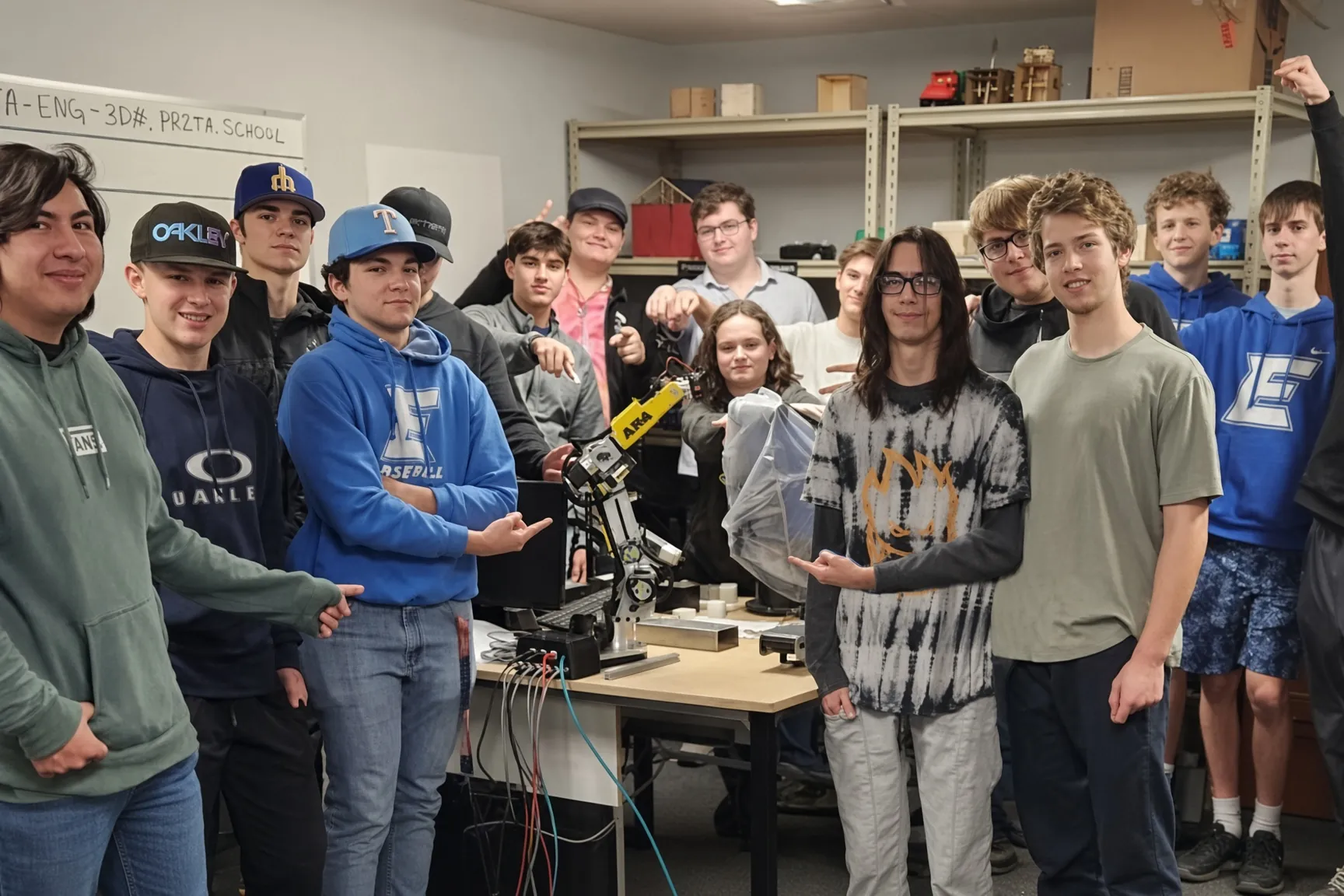
Students build an industrial style 6 axis arm from aluminum and electronics, then program it in Python or ROS 2. Here is what a school needs to get started.
Curriculum and courses
Everything here already exists on the site and is free to use.
- AR4 courses: step by step lessons with progress and a certificate.
- Sample course curriculum (PDF)
- AR4 for your classroom (PDF)
- AR4-MK5 overview (PDF)
- Video tutorials and build docs
Teacher tools
Step 1
Create a class
Name it and pick the course your students follow.
Step 2
Share the join code
Each class gets a short code. Send it or the share link to students.
Step 3
Follow progress
Students sign in on the courses page and you see where each one is.
Lab setup
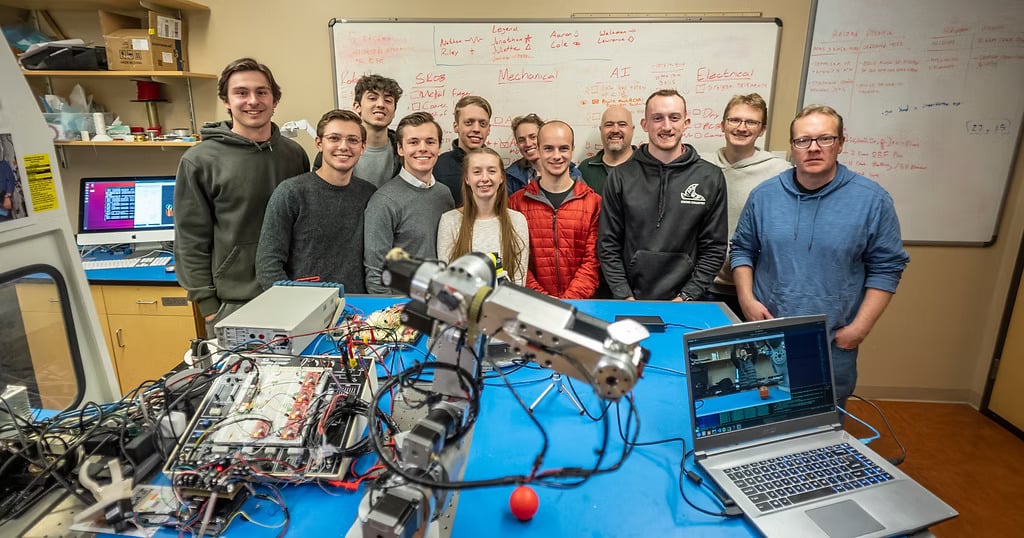
| Footprint | A sturdy bench. Reach is 24.75 in (62.9 cm) from J1 center to flange, so plan clear space around the arm. |
|---|---|
| Arm weight | 27 lb (12.25 kg). Bolt or clamp the base down. |
| Power | 24 VDC supply, 198 W (8.25 A) max. |
| Computer | Any PC for the Python HMI. Ubuntu 24.04 for the ROS 2 Jazzy driver. |
| Grippers | Servo gripper, or a pneumatic gripper with an air supply. |
Safety
The AR4 is an industrial style arm, not a collaborative robot. Treat it like lab equipment:
- Mark the reach envelope on the bench and keep hands out while a program runs.
- Keep a way to cut power within reach of the operator.
- Test new programs slowly, or in the digital twin or Gazebo first.
- Teach risk assessment for human and robot interaction as part of the course.
Quotes and pro forma invoices
Request a quote for your lab order. You get a pro forma invoice PDF by email to share with purchasing, then pay by purchase order or online.
FAQ
Can a school pay by purchase order?
Yes. Request a quote and you get a pro forma invoice PDF to share with purchasing. Pay by purchase order, or buy online any time.
Is there a curriculum for the AR4?
Yes. A sample course curriculum PDF is free to download, and step by step AR4 courses on the site let students mark lessons done and earn a certificate.
How do teachers track student progress?
Instructor tools let you create a class, pick the course your students follow, and share a join code. Students join on the courses page and you see their progress.
What skills do students learn?
Mechanical assembly, wiring and electronics, kinematics, Python programming, ROS 2 and industrial communication like Modbus.
Can students practice without the hardware?
Yes. The Python HMI has an offline digital twin, and ROS 2 drivers include Gazebo simulation.